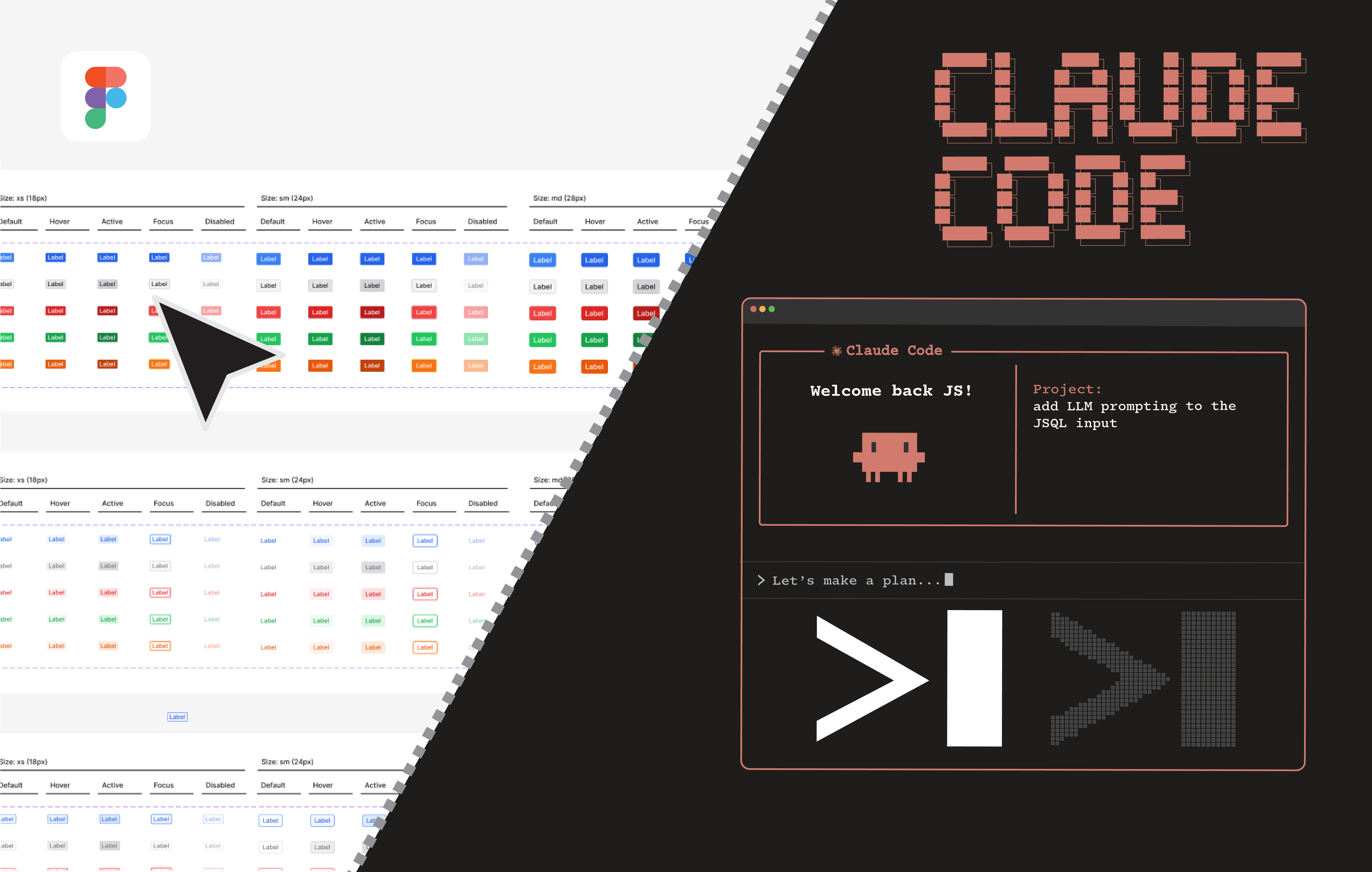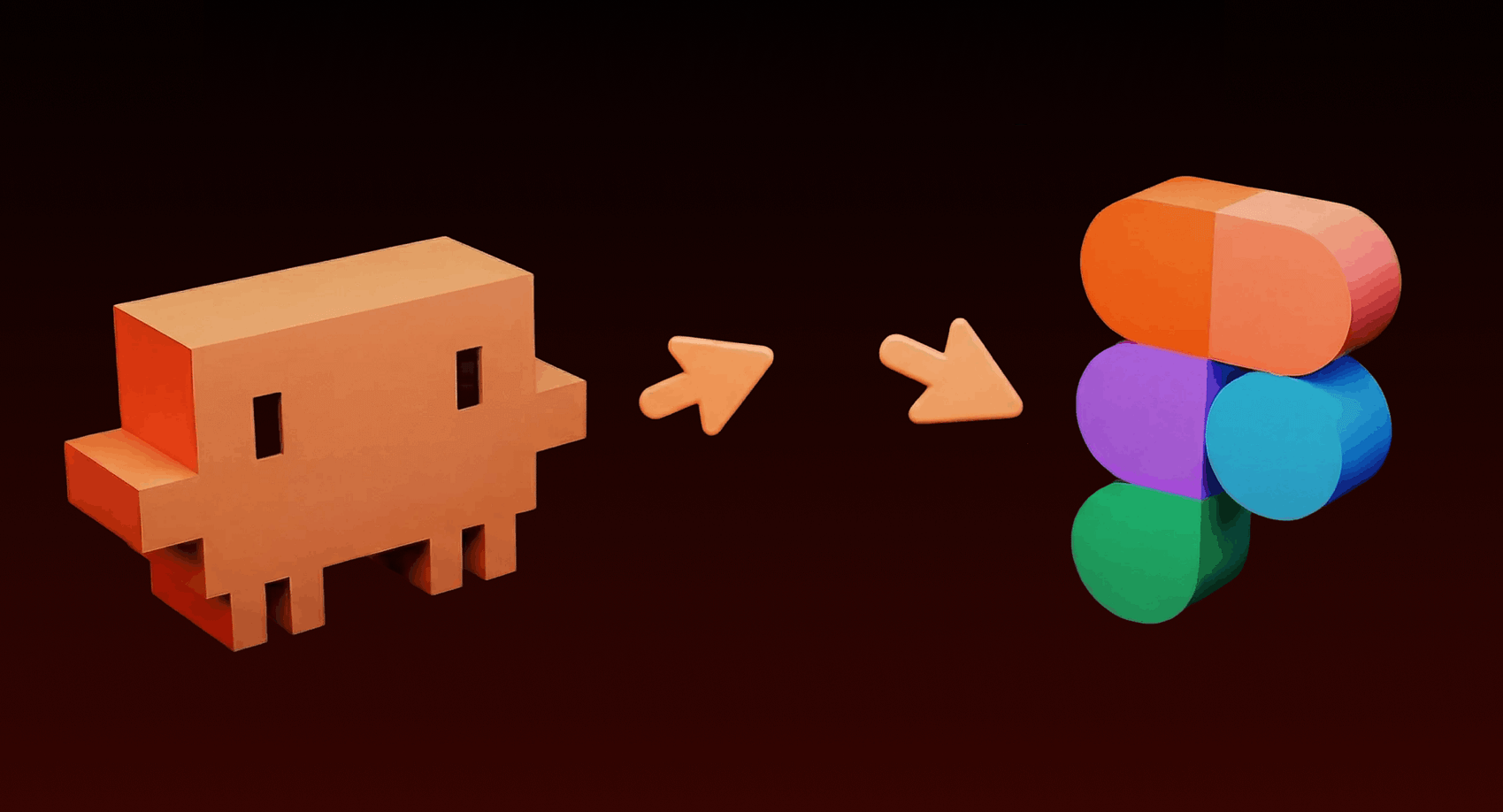
I stumbled upon something this week that genuinely made me go:
“Wait… what?”
Claude.
Designing.
Directly in Figma.
Not giving feedback on your designs. Not generating code that you copy-paste somewhere.
Actually building elements inside your Figma file.
In real time.
Yeah. I had the same reaction.
So I set it up, tested it, and went down a rabbit hole to understand how this AI design workflow actually works.
Here’s the full breakdown.
The past year has been wild for AI-powered design tools.
We’ve seen tools like:
- AI image generators
- AI website builders
- Prompt-to-design interfaces
- Design-to-code AI systems
But something big is happening now.
AI isn’t just generating assets anymore.
It’s integrating directly into the tools designers use daily.
One of the most interesting examples right now is the integration between Claude AI and Figma.
Through a system called Model Context Protocol (MCP), AI assistants can interact with design tools and workflows directly. ([figma.com][1])
In simple terms:
AI can now read, understand, and modify your design files.
That changes everything.
Short answer:
Yes — but with some important context.
Claude doesn't magically replace designers.
Instead, it connects to Figma through AI integrations and MCP servers, which allow the AI to:
- Access design files
- Understand components
- Generate UI elements
- Modify layouts
- Translate designs into code
These integrations bridge the gap between design tools and AI development workflows, allowing AI models to interact with design systems more accurately. ([thenextgentechinsider.com][2])
The result?
Claude can now create, edit, and analyze UI designs directly within Figma environments.
Which feels surreal the first time you see it happen.
Before you get too excited, let me be honest.
Claude isn’t replacing designers.
It doesn’t understand brand nuance perfectly yet.
And it won’t suddenly become a senior product designer overnight.
But here’s what it’s shockingly good at.
This is where Claude absolutely shines.
Designers spend hours doing repetitive work like:
- Creating card variations
- Duplicating components
- Adjusting spacing
- Building layout variations
AI can handle these instantly.
For example:
You can prompt Claude to generate:
- 10 variations of a UI card
- A full component library
- Multiple dashboard layouts
- Different hero section designs
Instead of manually building each version.
AI becomes your design assistant.
Another surprisingly useful capability is AI wireframing.
Imagine this prompt:
“Create a login screen with email, password, and social sign-in options.”
Within seconds you get a basic UI layout.
Not perfect.
But good enough to:
- start conversations
- prototype ideas
- validate product flows
For product managers and founders, this alone is game-changing.
One of the biggest advantages of AI design tools is speed of exploration.
Normally, testing multiple UI layouts means:
- duplicating frames
- editing elements
- adjusting spacing
- tweaking typography
That takes time.
Now you can prompt:
Create 3 different layout variations for this dashboard.And instantly compare:
- layout hierarchy
- card placement
- navigation structures
This dramatically speeds up UI experimentation.
Claude can also generate basic graphics inside design workflows.
Think things like:
- icons
- UI placeholders
- simple shapes
- structured layouts
- component scaffolding
It won’t replace professional illustration tools.
But for rapid prototyping, it works surprisingly well.
The real debate around AI isn’t creativity.
It’s speed.
The argument that AI will replace designers is still exaggerated.
But the argument that AI will accelerate design workflows?
That’s already happening.
AI can now handle tasks like:
- layout generation
- repetitive UI work
- design-to-code translation
- documentation
- design system creation
This allows designers to focus on:
- UX thinking
- product strategy
- user psychology
- interaction design
In other words:
AI handles the mechanics. Designers focus on the thinking.
The magic behind this integration is something called Model Context Protocol (MCP).
Think of MCP as a standard interface that allows AI models to interact with external tools.
Through MCP, Claude can:
- read Figma design data
- access components
- extract layout tokens
- generate UI structures
This protocol lets AI tools understand design context instead of just images, enabling more accurate design generation and code translation. ([Figma][1])
That’s the real breakthrough.
We’re entering a new phase of AI-assisted design workflows.
Instead of tools being separate from AI, they’re becoming AI-native environments.
Imagine workflows like:
Prompt → UI Design → Code → Deployment
All handled in a single system.
In fact, some workflows already allow developers to generate UI in Claude and export it directly into editable Figma layers. ([Figma][3])
Which means the line between design and development is getting thinner every month.
Despite all the hype, AI still struggles with:
Product intuition§
Understanding why certain UX patterns work.
Brand personality§
Design systems require human taste.
Complex interaction design§
Micro-interactions still need human refinement.
Emotional UX§
Great design is about human psychology, not just layout.
So no — designers are not disappearing.
But their tools are evolving fast.
The smartest designers won’t compete with AI.
They’ll use AI as leverage.
Designers who master AI tools will be able to:
- prototype faster
- explore more ideas
- ship products quicker
- collaborate better with developers
AI isn’t replacing design.
It’s removing friction from the design process.
When I first saw Claude creating elements inside Figma, my reaction was simple:
“This is weird… but also kind of amazing.”
We’re watching the early stages of a new workflow:
AI + Design Tools + Development
The tools are still rough.
The integrations aren’t perfect.
But the direction is clear.
The future designer might not just be someone who moves pixels.
It might be someone who directs AI systems to build entire interfaces.
And honestly?
That’s a pretty exciting future.
[1]: https://www.figma.com/blog/introducing-figma-mcp-server/?utm_source=chatgpt.com "Introducing our MCP server: Bringing Figma into your workflow | Figma Blog" [2]: https://www.thenextgentechinsider.com/pulse/claude-integrates-code-to-figma-for-seamless-design-to-code-workflow?utm_source=chatgpt.com "Claude Integrates Code to Figma for Seamless Design-to-Code Workflow" [3]: https://www.figma.com/blog/the-future-of-design-is-code-and-canvas/?utm_source=chatgpt.com "The Future of Design Is Code and Canvas | Figma Blog"
FAQ
How does Claude connect to Figma?
Claude connects via integrations that use the Model Context Protocol (MCP), allowing the AI to read, understand, and modify Figma file data and components.
Can Claude replace human designers?
No — Claude speeds repetitive tasks and prototyping but lacks product intuition, brand nuance, and fine interaction design that human designers provide.
What design tasks can Claude handle inside Figma?
Claude excels at creating wireframes, generating layout variations, duplicating and adjusting components, building simple graphics, and scaffolding design systems.
Is it safe to give AI access to my Figma files?
Security depends on the integration and permissions; always review access controls, data handling policies, and use trusted MCP-enabled services before sharing sensitive files.
How do I get started using Claude with Figma?
Check for available MCP integrations or plugins, enable the integration in your Figma workspace, and start with prompts for wireframes or component variations to test workflows.