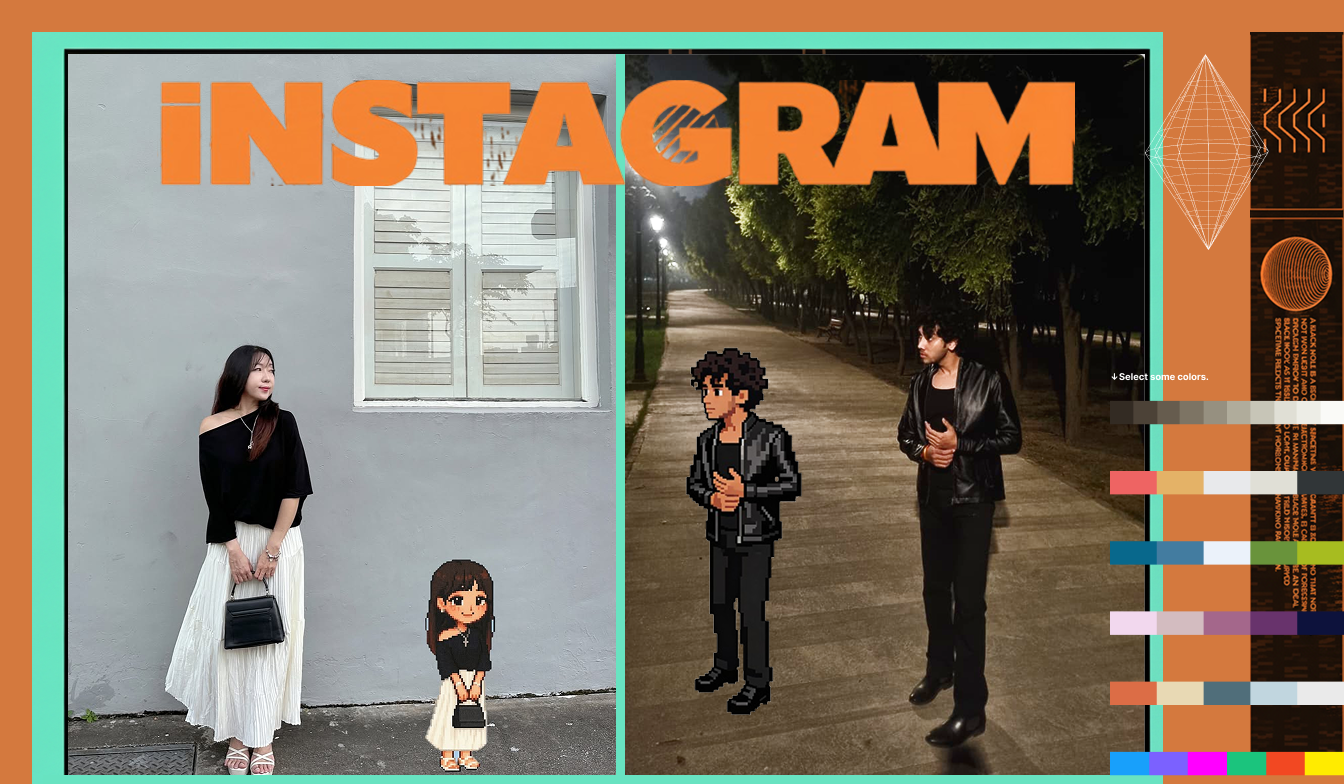
Instagram is exploding with AI-generated cartoon characters right now. You've seen them—those stylized, vibrant cartoon versions of real people flooding your feed, getting thousands of likes.
Want to create your own? Here's how to jump on this trend in under a minute.
Why This Trend Is Taking Over Instagram§
Cartoon character portraits are the perfect blend of personality and creativity. They're:
- Instantly eye-catching in a sea of regular photos
- Highly shareable (people love seeing themselves cartoonified)
- Perfect for profile pictures and story highlights
- Great for brand identity if you're a creator or entrepreneur
The best part? You don't need artistic skills or expensive software. Just Definable AI's Photo Studio.
How to Create Your Trending Cartoon Character§
Step 1: Access Photo Studio§
Head to www.definable.ai and log into your account.
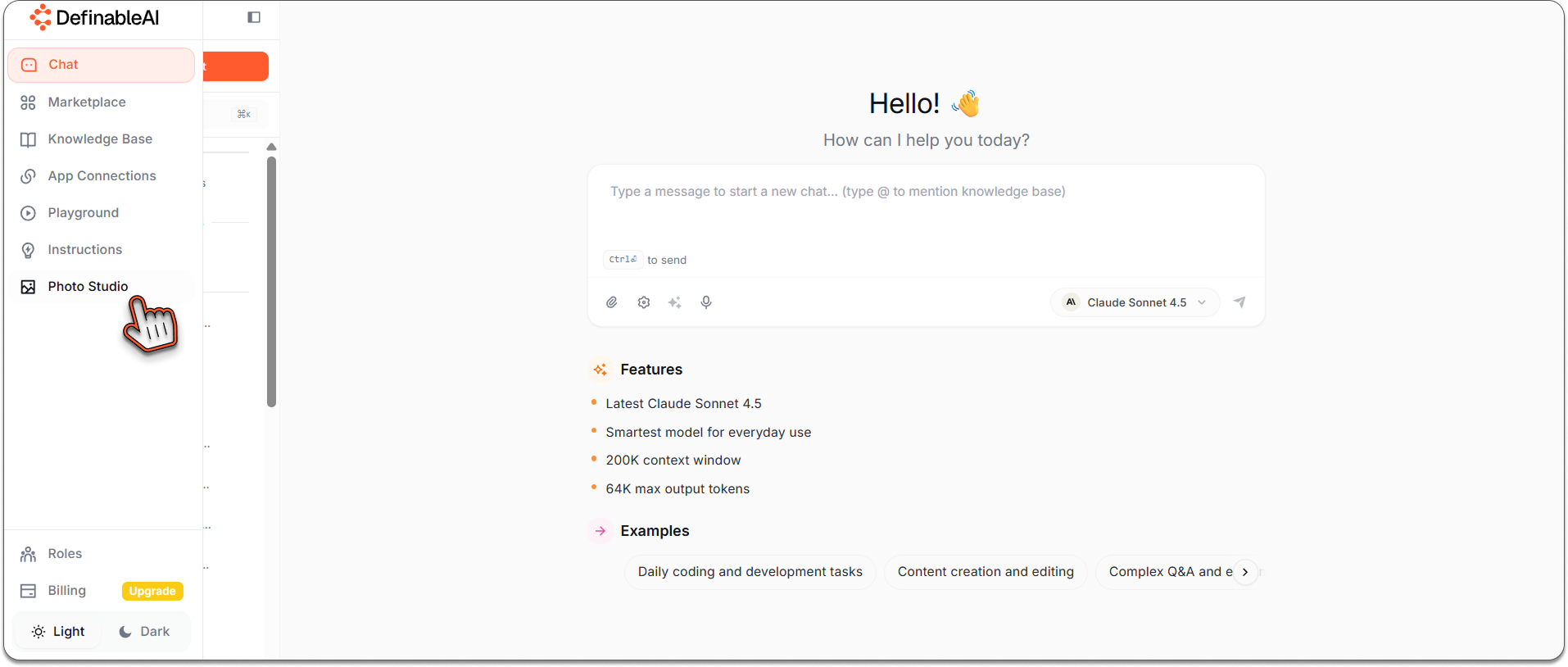
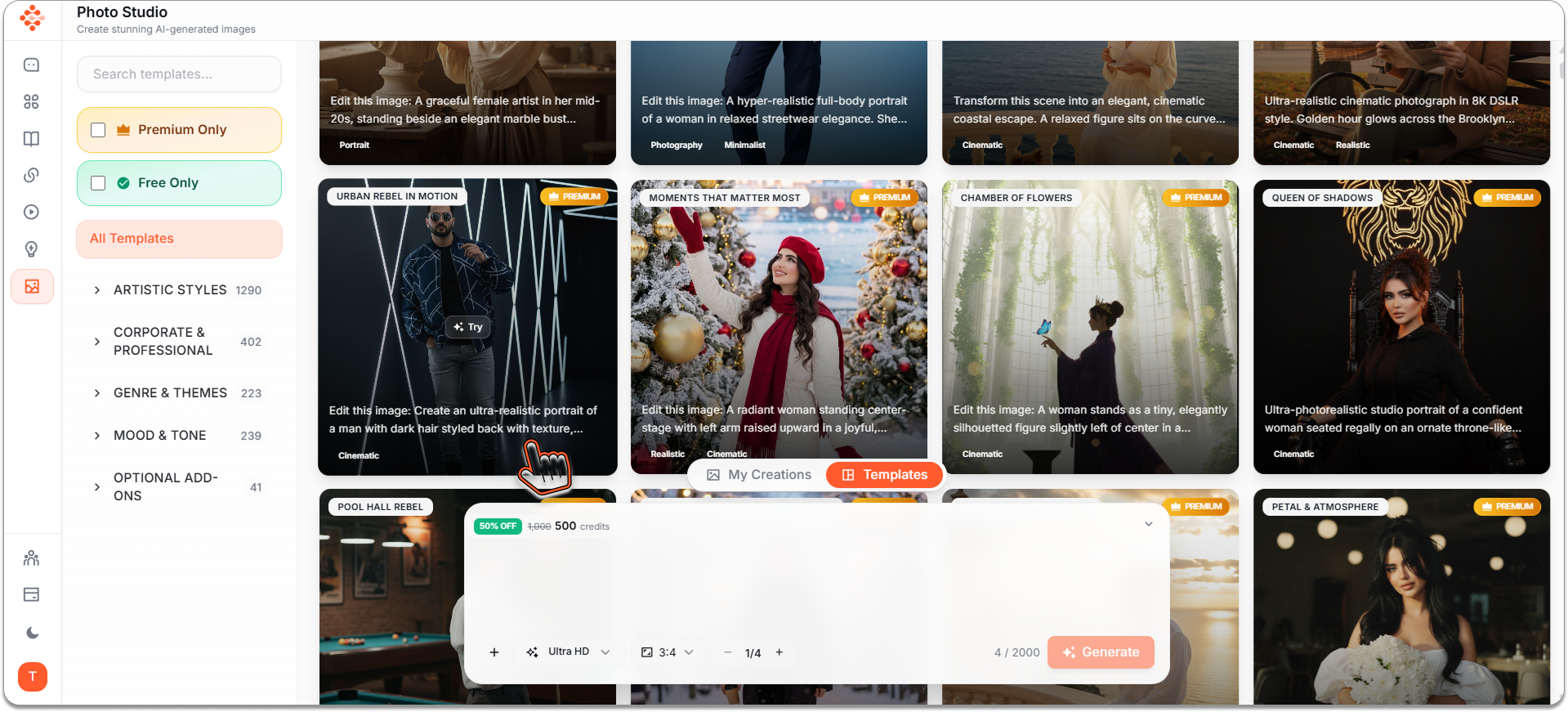
Once you're in, look at the left navigation panel. You'll see Photo Studio listed there. Click it.
Welcome to your personal AI art studio where your cartoon transformation begins.
Step 2: Upload Your Photo and Add Your Prompt§
This is where the magic happens.
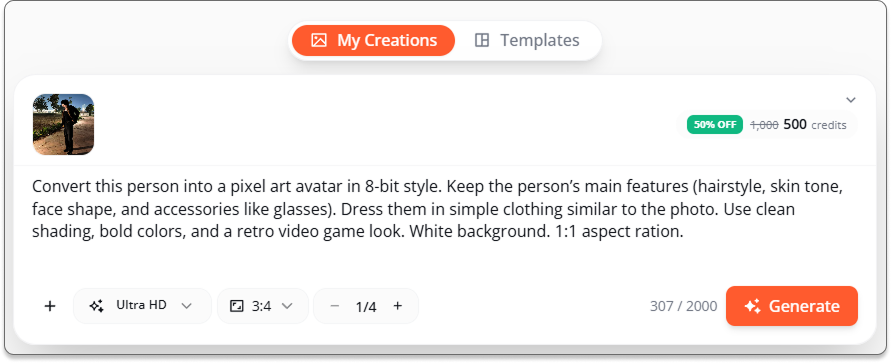
First, click to upload your desired photo from your PC. Choose a clear photo where your face is visible and well-lit. Front-facing photos work best.
Then, paste this prompt into the chat:
_"Convert this person into a pixel art avatar in 8-bit style. Keep the person’s main features (hairstyle, skin tone, face shape, and accessories like glasses). Dress them in simple clothing similar to the photo. Use clean shading, bold colors, and a retro video game look. White background. 1:1 aspect ration.”_
The combination of your photo + this specific prompt tells the AI exactly what you want: a cartoon version that looks like it belongs on a trending Instagram page.
Step 3: Hit Generate§
Click the Generate button and wait approximately 30-45 seconds.
Photo Studio's AI is now analyzing your photo, understanding facial features, and transforming them into a stylized cartoon character while maintaining your unique likeness.
You'll see the processing indicator—this is AI working its magic in real-time.
Step 4: Results§
Boom. Your trending cartoon character appears.
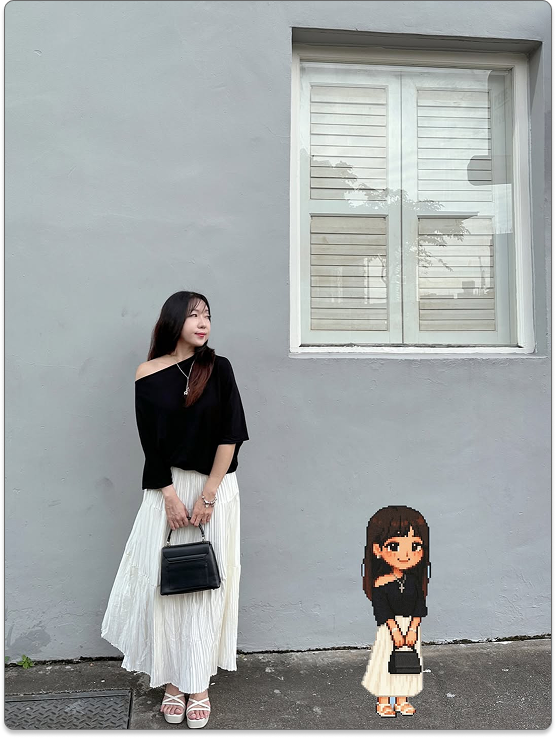
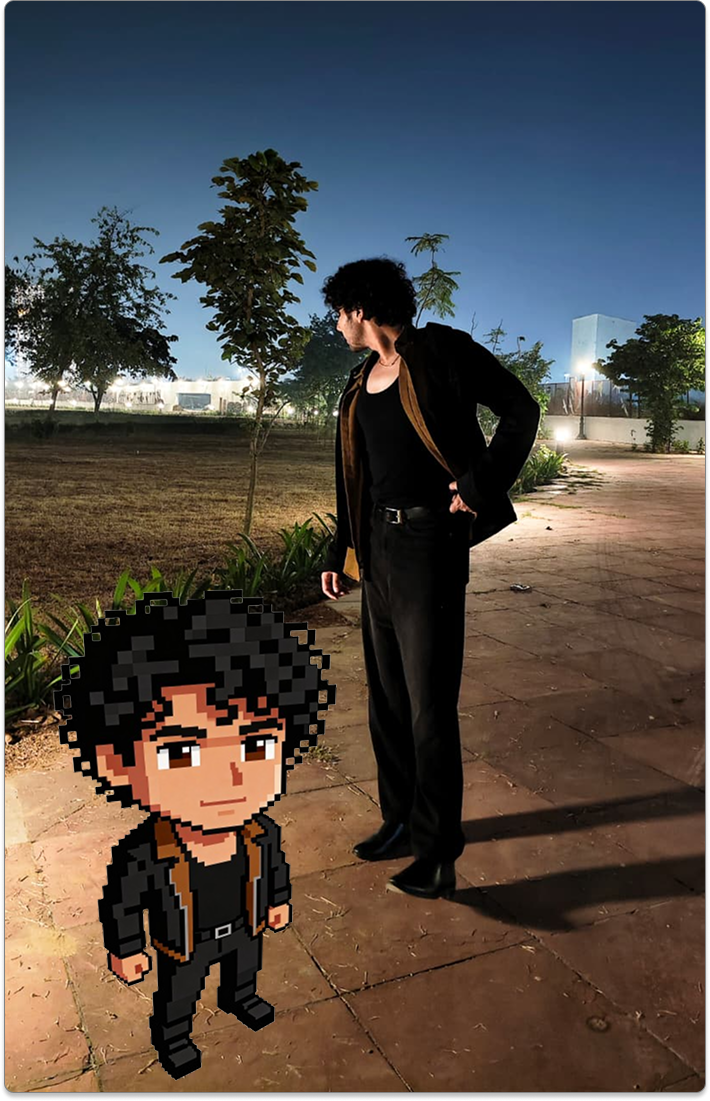
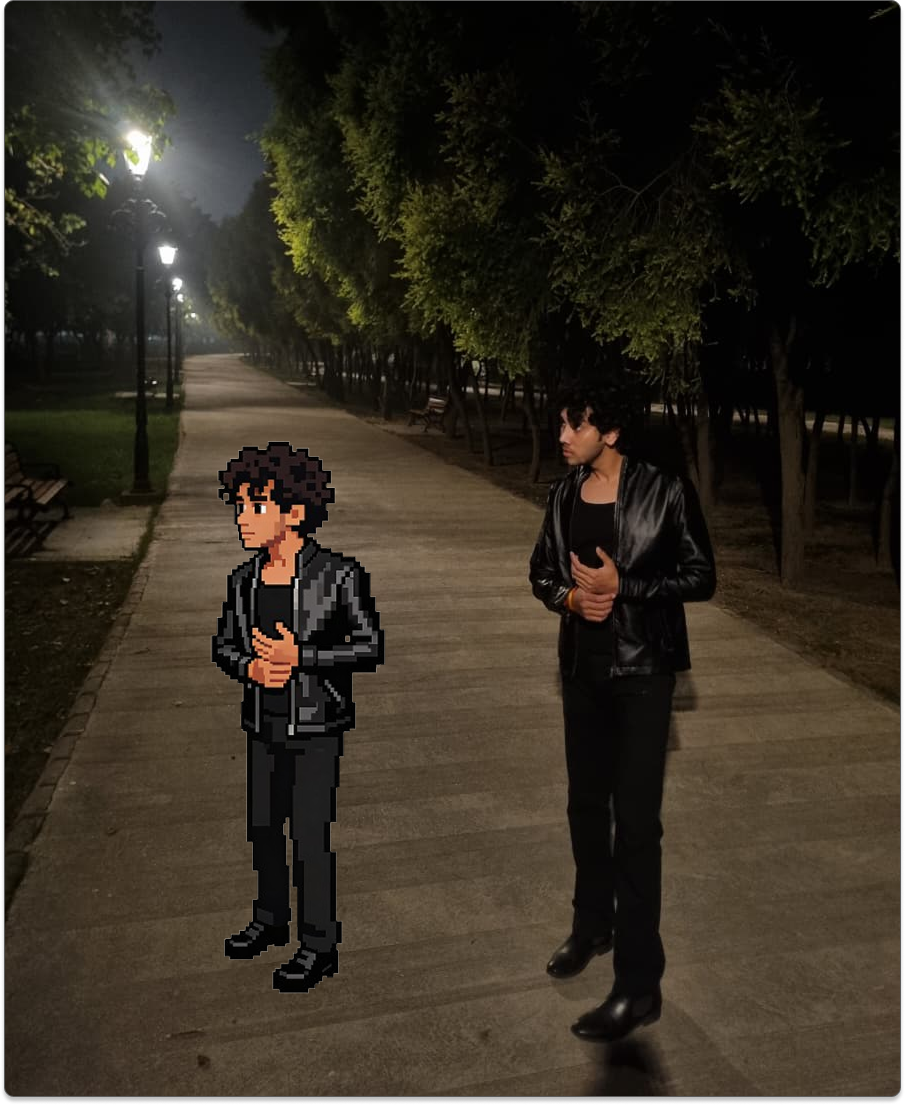
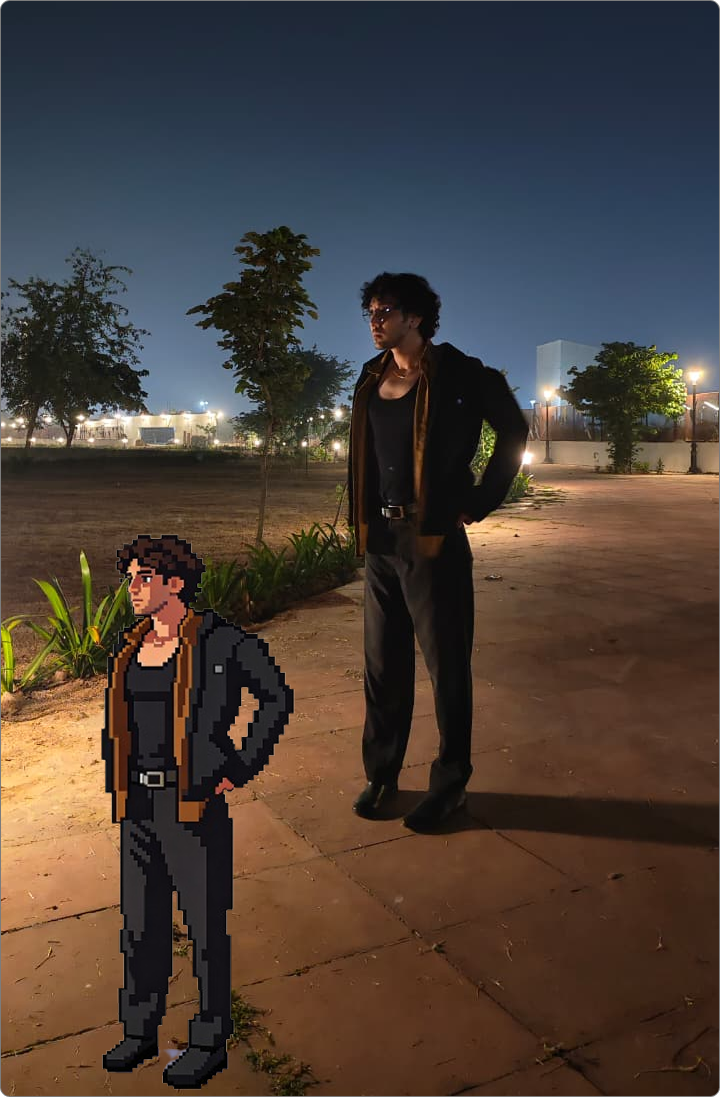
You'll see a high-quality, Instagram-ready cartoon version of yourself that looks like it was created by a professional digital artist.
What you can do with your result:
- Download immediately in high resolution
- Use as your Instagram profile picture to stand out
- Post as content (these consistently get high engagement)
- Create a series with different styles for story highlights
- Use for branding if you're a content creator or business owner
Pro tip: Generate multiple versions by slightly adjusting the prompt. Try adding:
- "anime-inspired" for a Japanese animation style
- "3D rendered" for a Pixar-like appearance
- "vintage cartoon" for a retro aesthetic
- "minimalist" for a clean, simple look
Key takeaways
- Trending Instagram cartoon avatars are attention-grabbing and highly shareable for profiles and content.
- You can create a professional-looking cartoon avatar in under a minute using Definable AI Photo Studio.
- Use a clear, front-facing photo and a specific prompt to preserve likeness and achieve the desired style.
- Generate variations by adjusting style keywords like anime, 3D, vintage, or minimalist.
- Download high-resolution results for profile pics, posts, or branding — and experiment for consistent engagement.
FAQ
What prompt should I use to make a cartoon character?
Use a clear descriptive prompt like: “Convert this person into a pixel art avatar in 8-bit style. Keep main features, bold colors, white background, 1:1 aspect ratio.”
What kind of photo works best for AI cartoon conversion?
Choose a front-facing, well-lit photo with a visible face, clear features, and minimal background clutter to preserve likeness and details.
How long does it take to generate a cartoon avatar?
Generation typically takes about 30–45 seconds in Photo Studio, depending on server load and the complexity of the prompt.
Can I make different styles (anime, 3D, vintage)?
Yes — tweak the prompt to add style modifiers like “anime-inspired,” “3D rendered,” “vintage cartoon,” or “minimalist” to produce varied looks.
Can I use the generated image for my brand or profile picture?
Yes — you can download high-resolution results and use them for profile images, posts, or branding, but check Definable AI's licensing terms for commercial use.