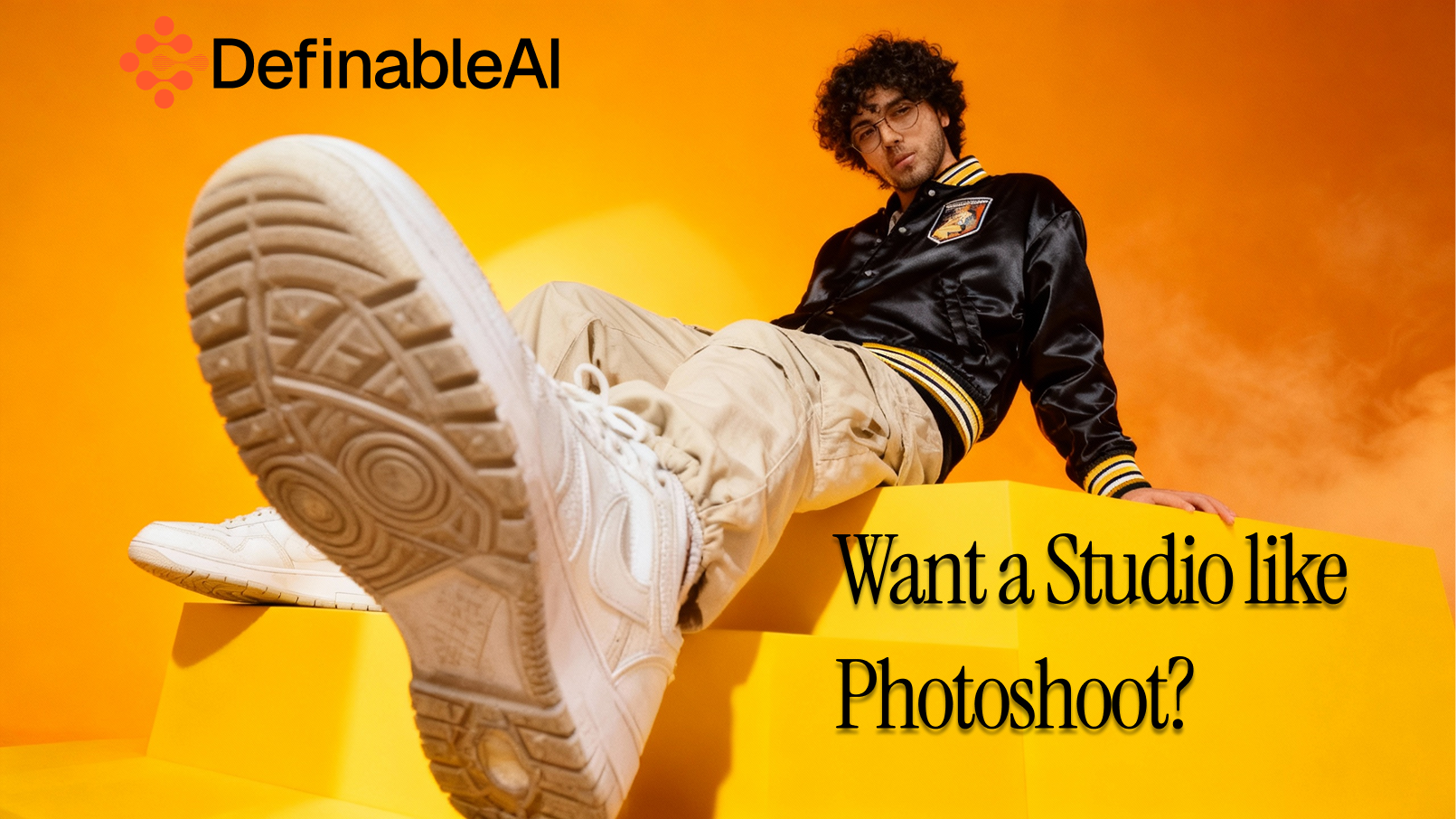
Ever Wish You Could Just Describe an Image and Have It Appear?§
That’s exactly what Photo Studio does—and it’s absurdly good at it.
The Problem We’ve All Faced§
You’re working on something important and need a great image. So you:
- Scroll stock photo sites for way too long
- Pay a designer and wait days
- Settle for something “good enough”
- Or use the same overused stock photo everyone’s seen before
There had to be a better way.
Meet Photo Studio§
Photo Studio turns ideas into professional-quality images in seconds—no Photoshop, no design skills, no back-and-forth.
Just describe what you want. The AI handles the rest.
How It Works (Seriously Simple)§
1\. Log in to Definable AI Go to www.definable.ai and sign in.

2\. Open Photo Studio Click _Photo Studio_ in the left navigation.
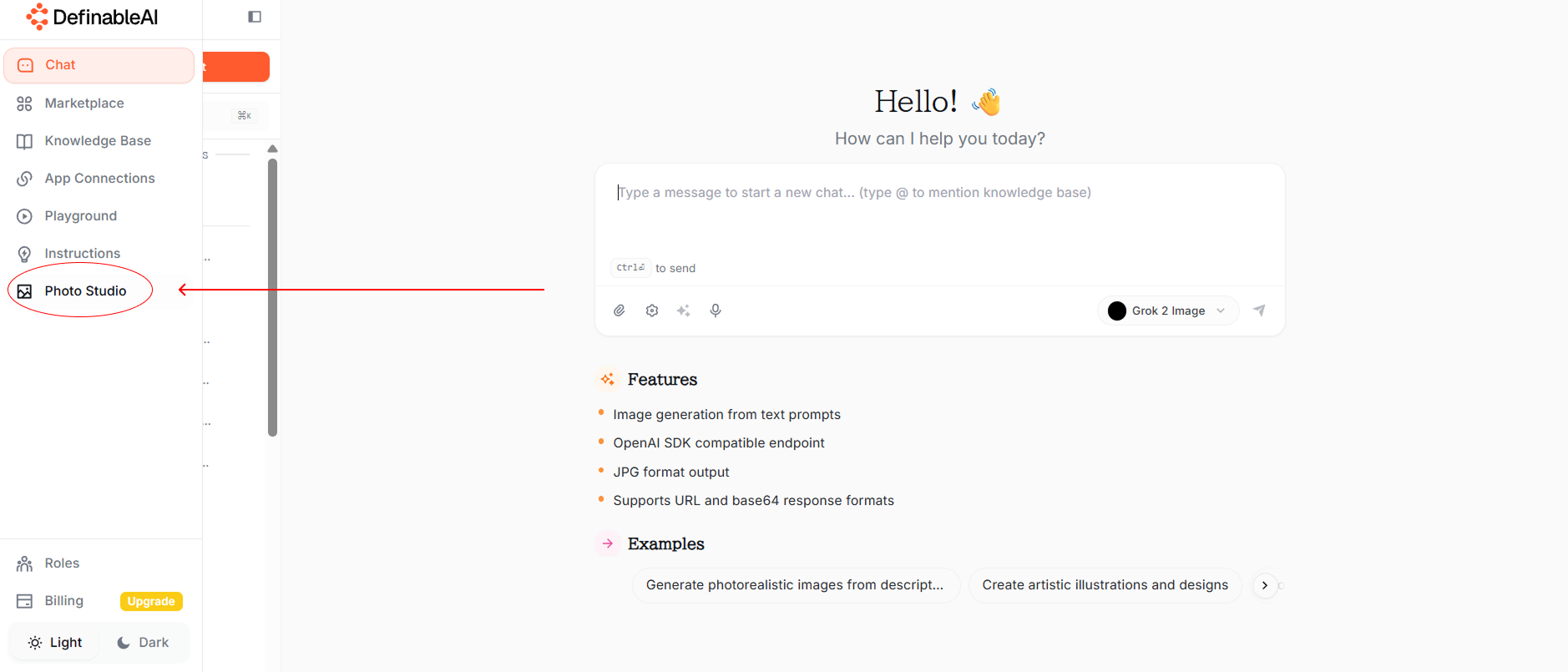
3\. Choose How You Create
- Use Templates: Product shots, social posts, headshots, marketing visuals, concept art, and more.
- Write Your Own Prompt: Describe anything you imagine—naturally. Like you’d talk to a photographer.
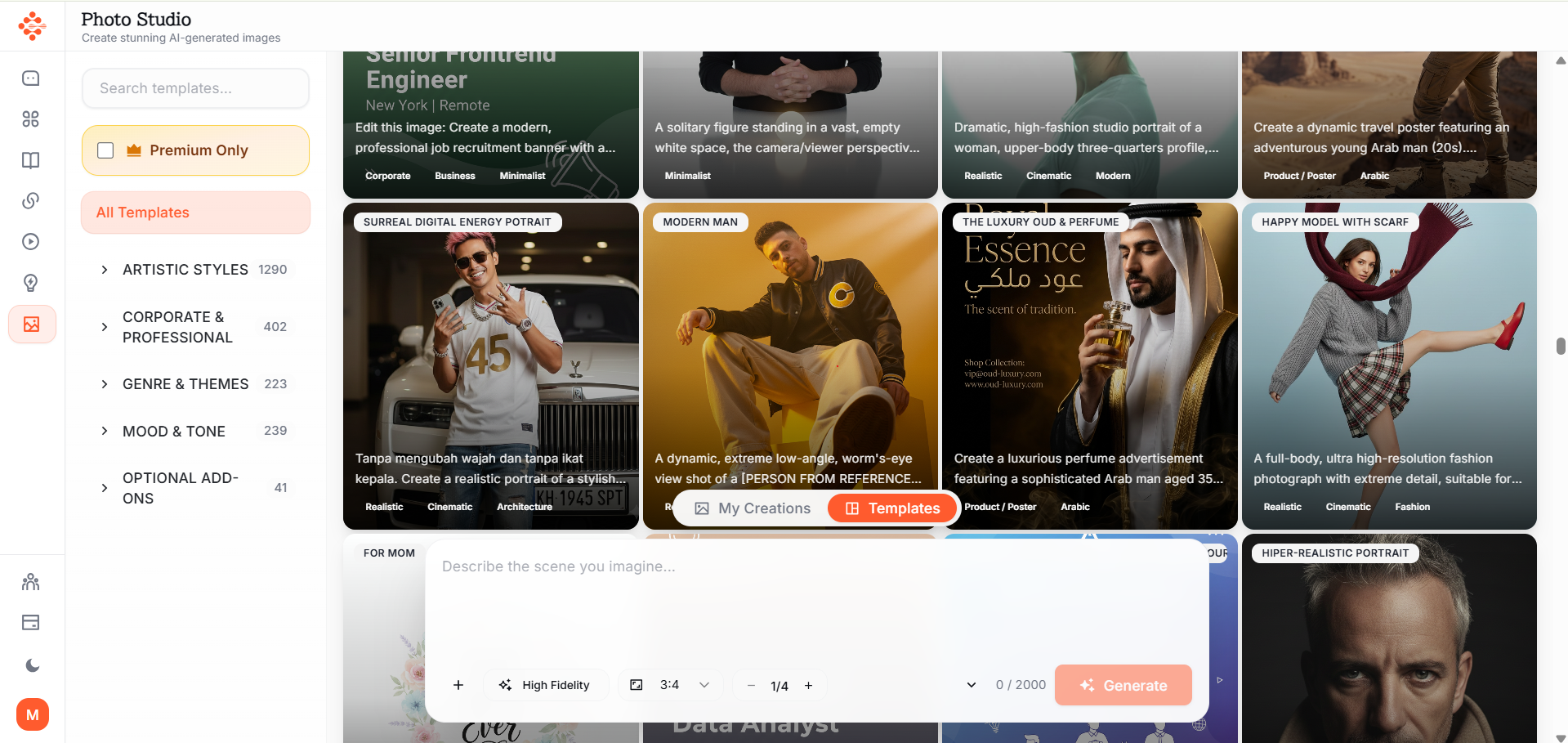
4\. Pick a Style Photorealistic, cinematic, minimalist, vintage, futuristic—your choice.
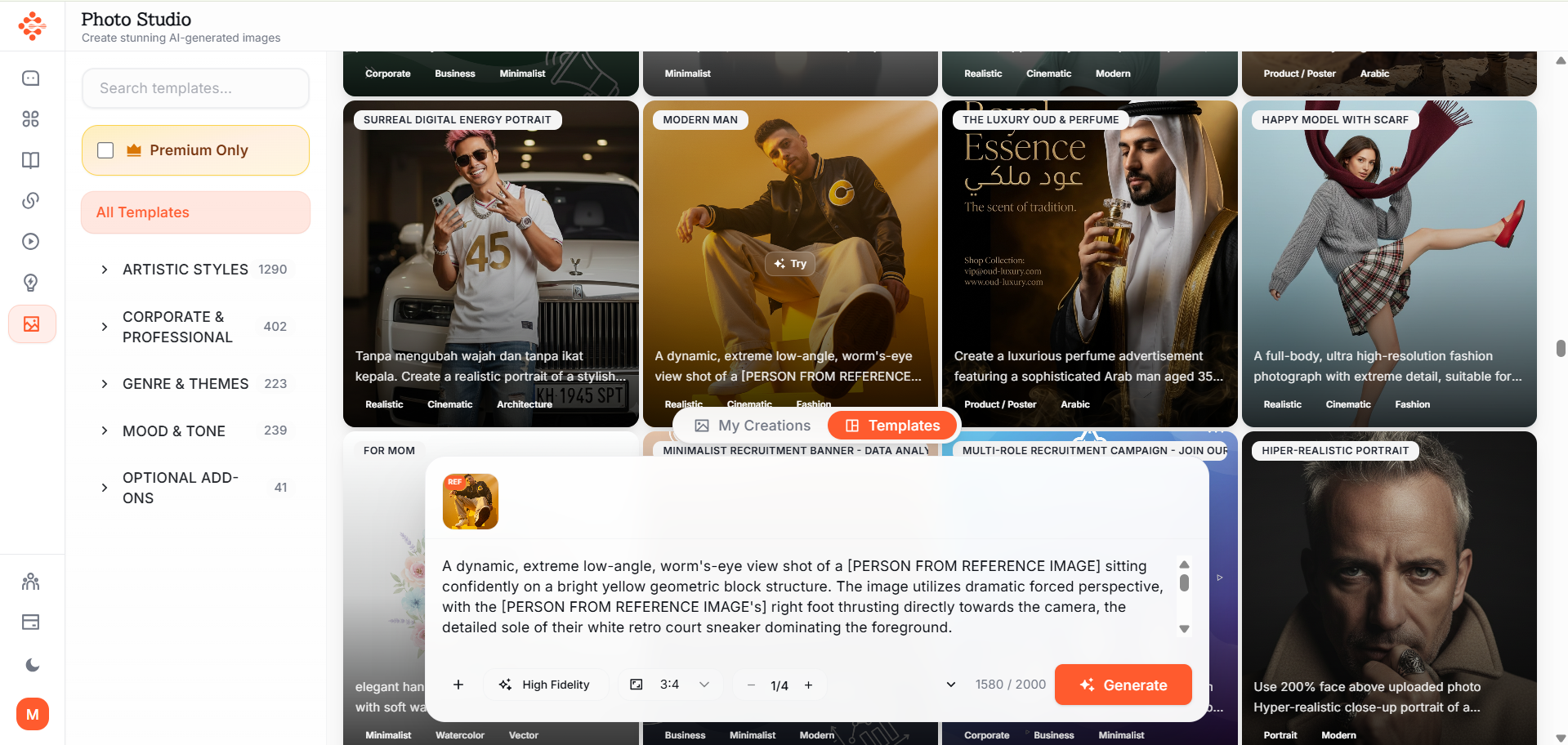
5\. Choose your image Click once. Wait a few seconds. click on add image icon on the bottom left of the chat section
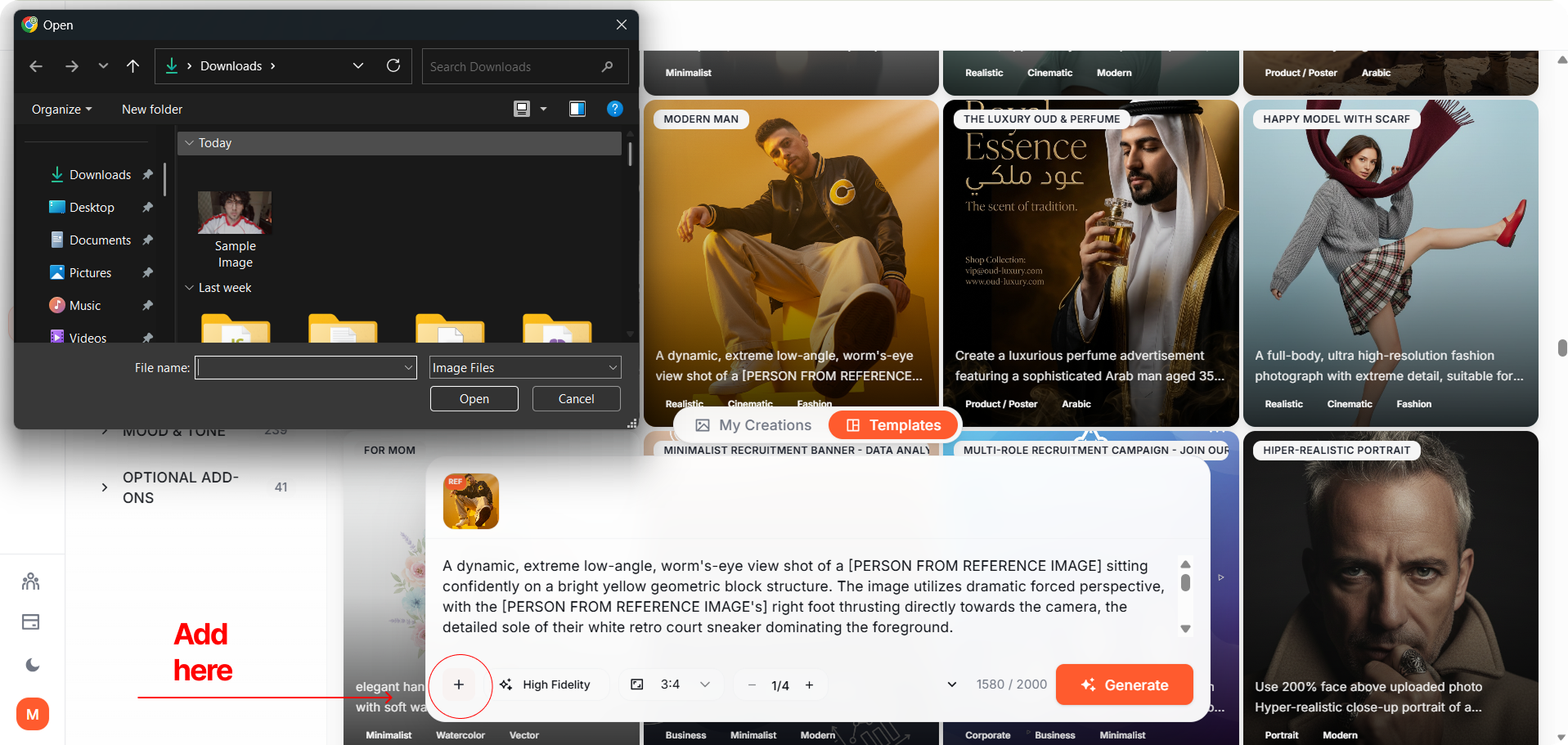
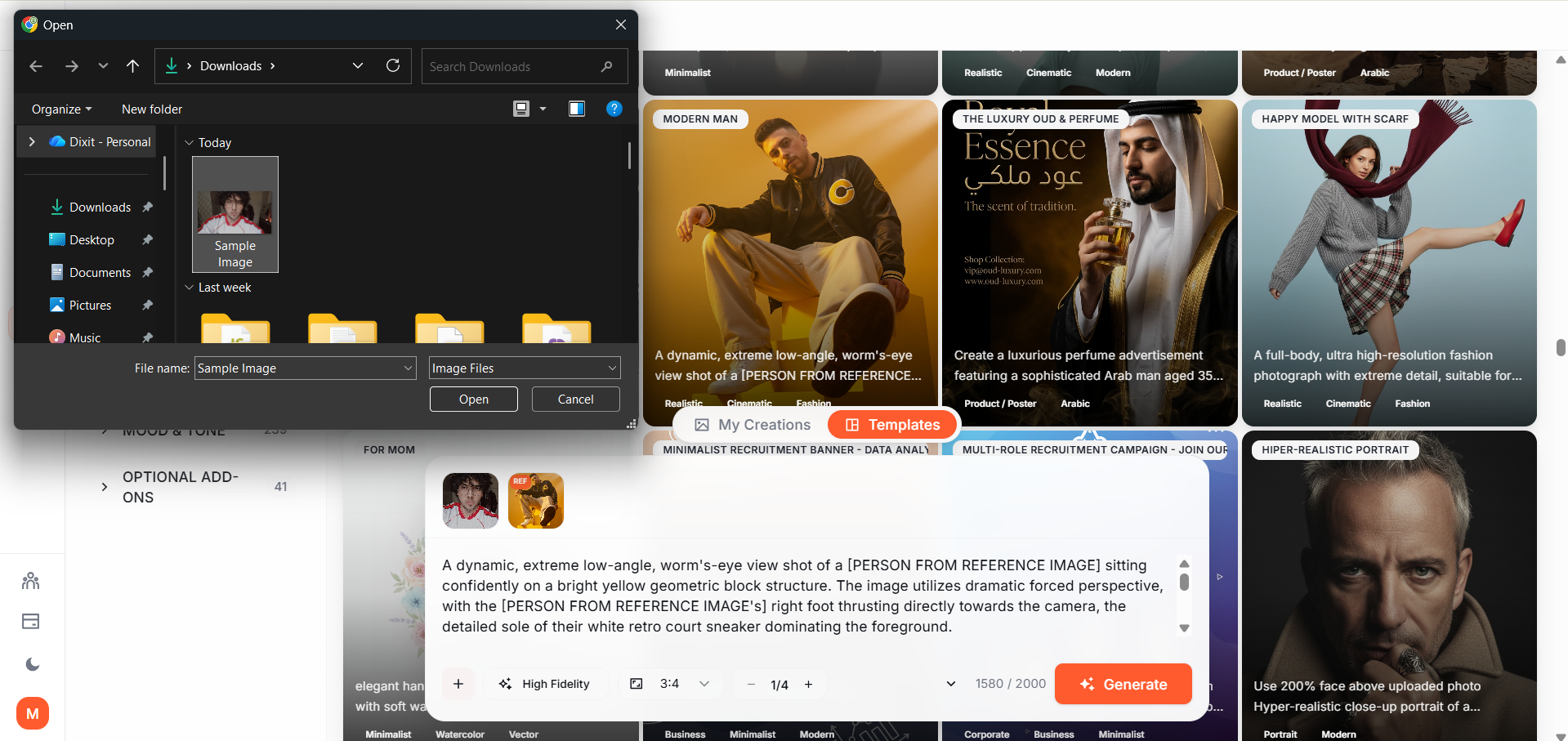
Choose your image file.
6\. Generate Click once. Wait a few seconds.
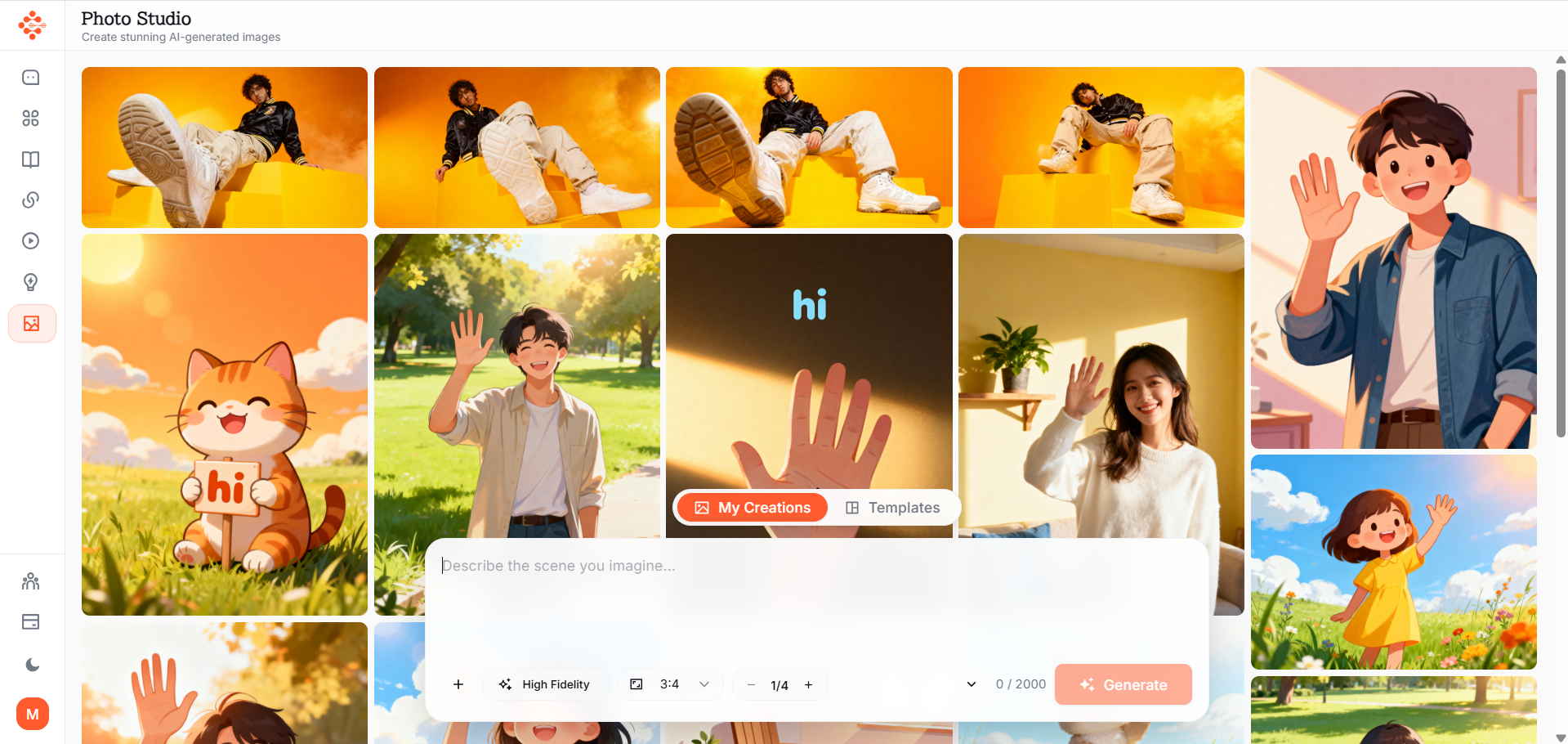
6\. Download or Iterate Love it? Use it immediately. Want changes? Adjust the prompt and regenerate—instantly.
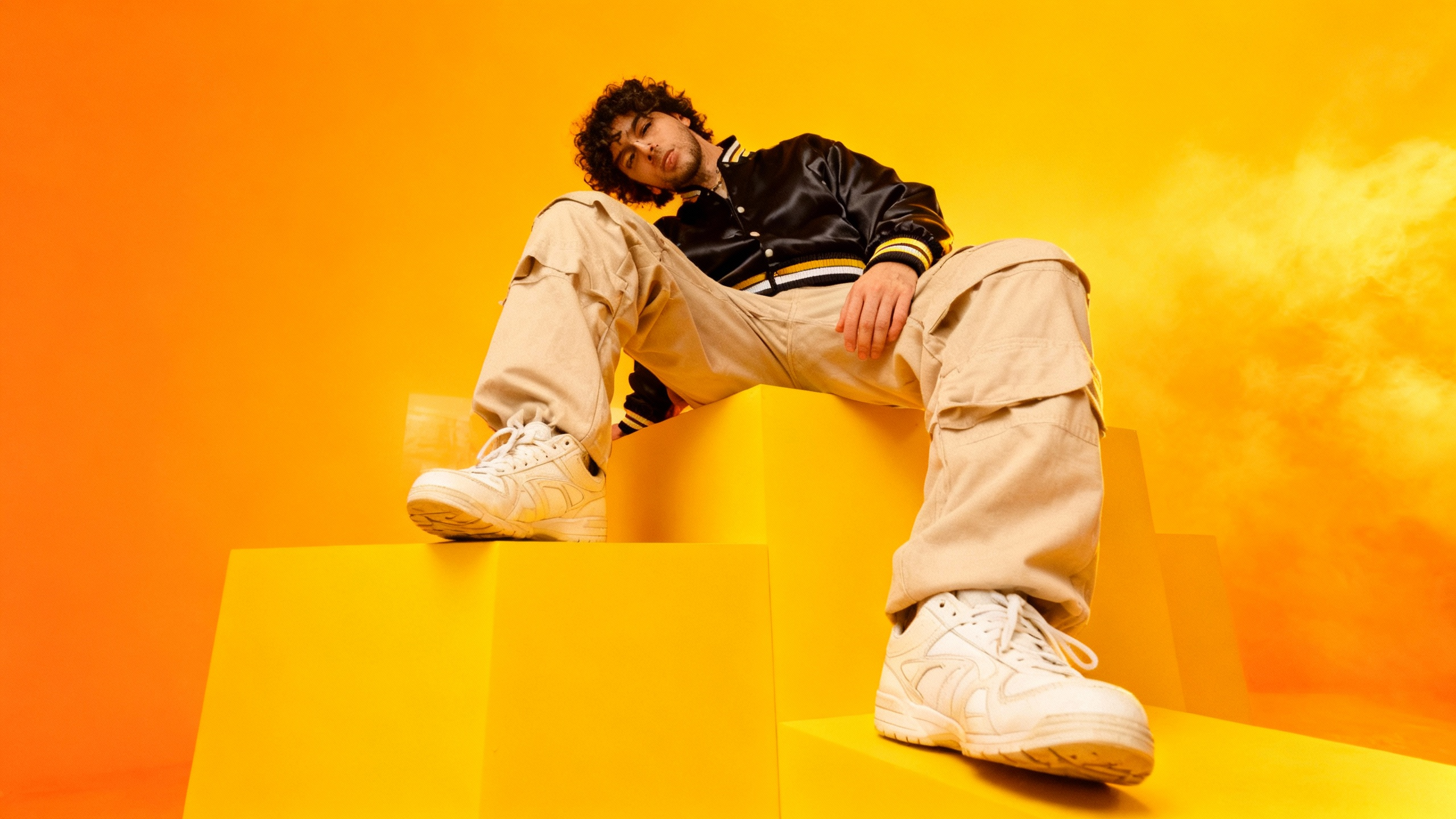
image generated by photo studio
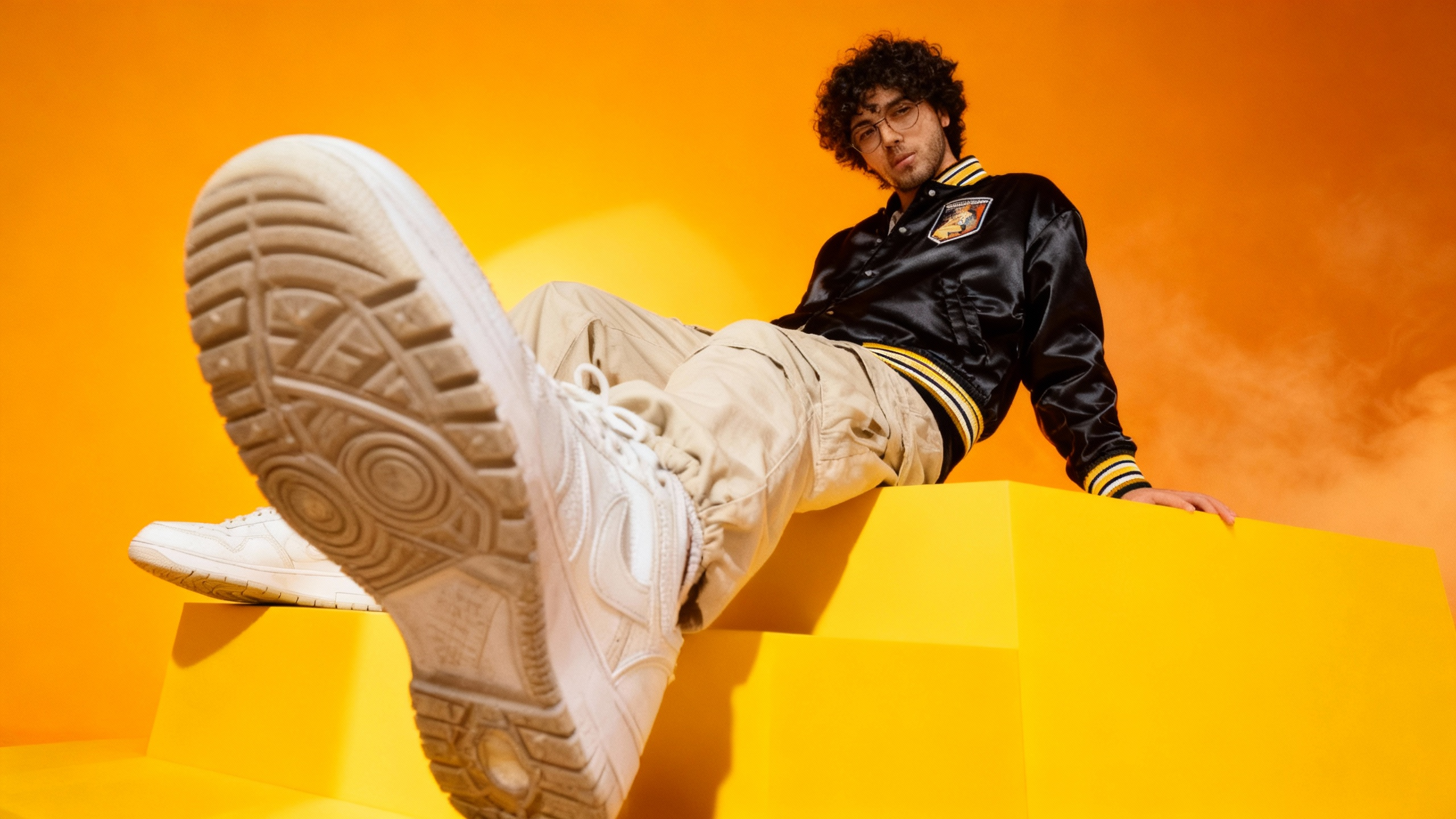
Image generated by photo studio
Why People Love Photo Studio§
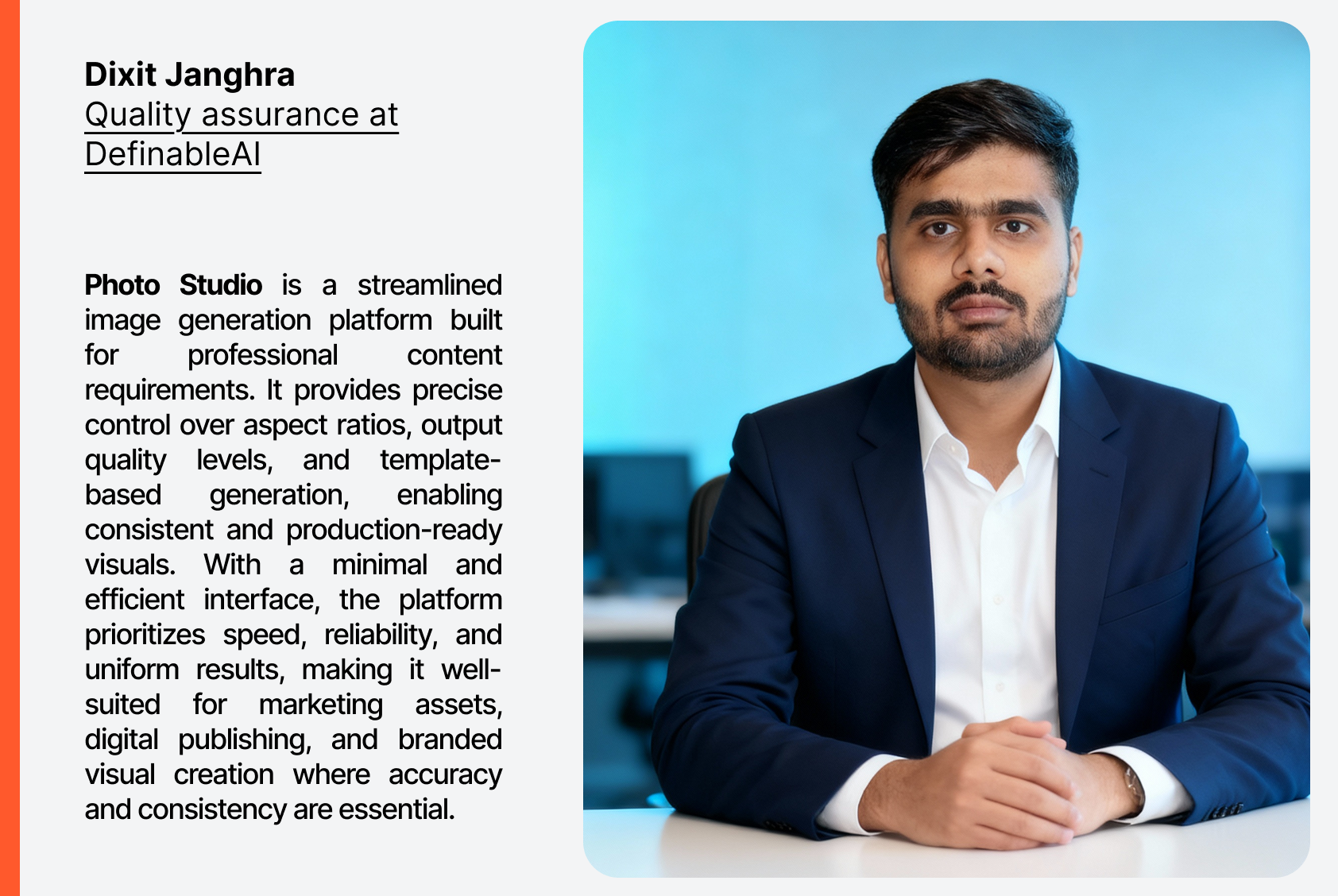
It Understands Natural Language No prompt engineering needed. “Cozy coffee shop with soft morning light” works exactly as you’d expect.
It’s Incredibly Fast From idea to image in under 30 seconds.
The Quality Is Truly Professional Used for websites, campaigns, pitch decks, product launches, and social media—where it often outperforms stock photos.
Unlimited Iteration Change lighting, angle, season, or mood in seconds. No starting over.
Real-World Wins§
- Startup founders create investor-ready mockups before prototypes exist.
- Content creators build a consistent, on-brand visual style—without photographers.
- Marketing teams generate dozens of campaign visuals in hours instead of weeks.
- Authors design book covers that actually stand out.
What Makes Photo Studio Different§
Photo Studio isn’t just an image generator—it’s part of the Definable AI ecosystem. Images flow directly into blogs, presentations, campaigns, and workflows.
The templates are flexible. The AI speaks your language. And creativity isn’t limited by budget, tools, or time.
From Idea to Image—Finally Frictionless§
Before: _“Let’s find something that kind of works.”_ After: _“Let’s create exactly what we want.”_
Photo Studio doesn’t replace creativity. It removes everything that gets in its way.
Your vision—realized in seconds.
Key takeaways
- Photo Studio converts natural-language prompts into high-quality, professional images in seconds.
- Users can choose templates or write freeform prompts and select styles like photorealistic or cinematic.
- Rapid iteration lets teams tweak lighting, angle, and mood without restarting the creative process.
- Images integrate directly into Definable AI workflows for quick use in websites, campaigns, and presentations.
FAQ
What is Photo Studio?
Photo Studio is an AI-powered image generator within Definable AI that turns natural-language prompts into professional-quality visuals in seconds.
How do I create an image with Photo Studio?
Log in to Definable AI, open Photo Studio, pick a template or write a prompt, choose a style, generate the image, then download or iterate as needed.
Can I edit or iterate generated images?
Yes—adjust the prompt, style, lighting, or other parameters and regenerate instantly to refine the image without starting over.
Are generated images allowed for commercial use?
Usage and licensing depend on Definable AI's terms and policies; check the platform's licensing guidelines to confirm commercial rights.