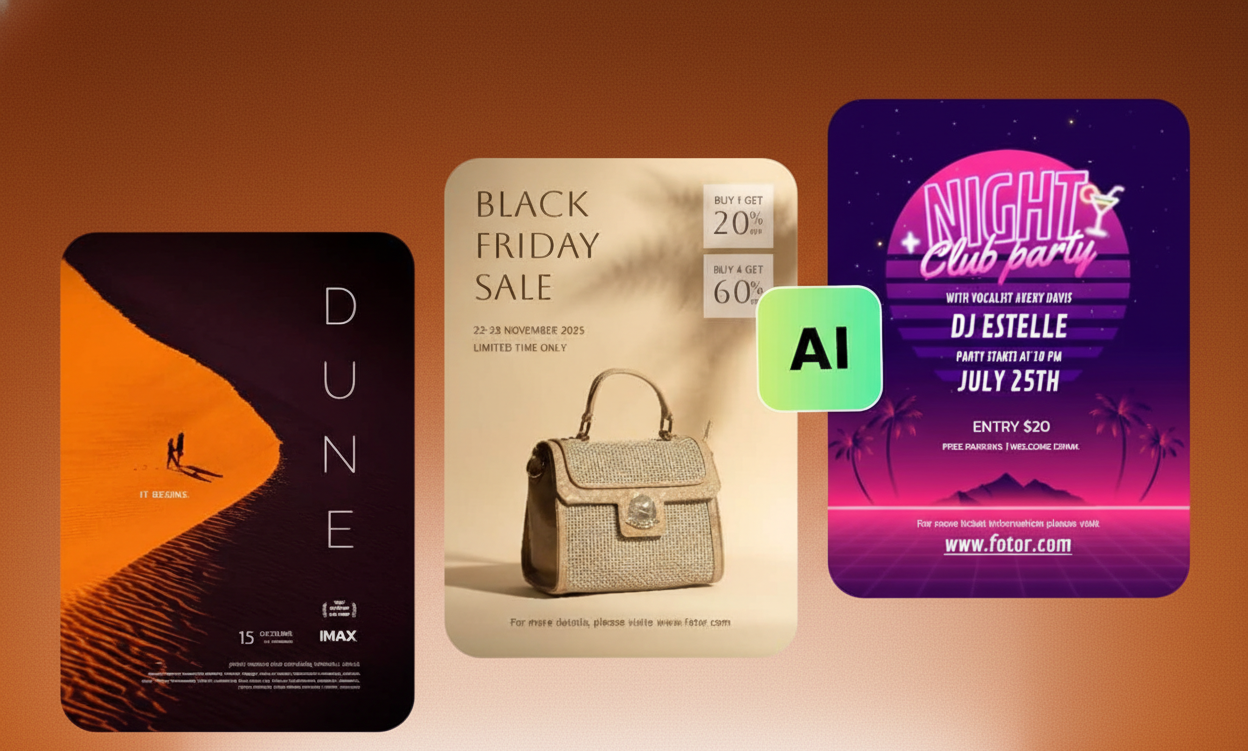
In today’s fast-paced digital marketing world, a high-quality event poster can make or break your turnout. Whether you're hosting a concert, webinar, product launch, business conference, or community event, your promotional design needs to grab attention instantly.
Thanks to AI image generation tools like Midjourney and Seedance, creating professional event posters is now faster, easier, and more affordable than ever.
No design experience? No problem.
AI poster generators allow event organizers, marketers, small business owners, and product designers worldwide to create scroll-stopping event flyers in seconds using simple text prompts.
Why Use AI for Event Poster Design?§
AI-powered design tools help you:
- 🧠 Generate high-quality poster designs instantly
- 🎯 Customize layouts, fonts, and colors using simple prompts
- 🎨 Create branded event graphics effortlessly
- 📱 Optimize posters for Instagram, Facebook, WhatsApp, and print
- 🚀 Speed up event marketing campaigns
Instead of spending hours learning complex design software, you simply describe what you want — and AI turns it into a polished, professional poster.
1. Define Your Event Details§
Before generating your AI poster, gather the basics:
- Event Name
- Date & Time
- Location or Venue
- Short Description or Theme
- Call-to-Action (CTA) – “Register Now”, “Buy Tickets”, etc.
Clear information helps AI generate a more accurate and effective design.
2. Write a Detailed AI Prompt§
Open your preferred AI image generator like Midjourney or Seedance and enter a prompt such as:
Design a classy event poster for a wellness retreat in Malibu on July 6.
Use soft pastel colors, minimalist typography, palm trees in the background,
and highlight the text “Register Now”.
Within seconds, the AI will generate multiple design options based on your description.
The more specific your prompt, the better your results.
3. Refine the Design with Prompt Edits§
Think of AI as your virtual graphic designer.
Want changes? Just update your prompt:
- “Make the event date larger and bold.”
- “Change the font to something more elegant.”
- “Add a sunset gradient background.”
- “Use gold and black luxury color theme.”
The AI instantly generates improved variations — no dragging, resizing, or manual editing required.
4. Download and Optimize for Multiple Platforms§
Once satisfied, export your AI-generated poster in different formats:
- Instagram Post (Square 1:1)
- Instagram Story (9:16)
- Facebook Event Cover
- Print-Ready PDF
- WhatsApp Promotional Image
- Digital Ads Format
This makes your event marketing strategy more powerful and platform-optimized.
AI-Generated Poster Examples
Check out what these AI tools can produce in under a minute:
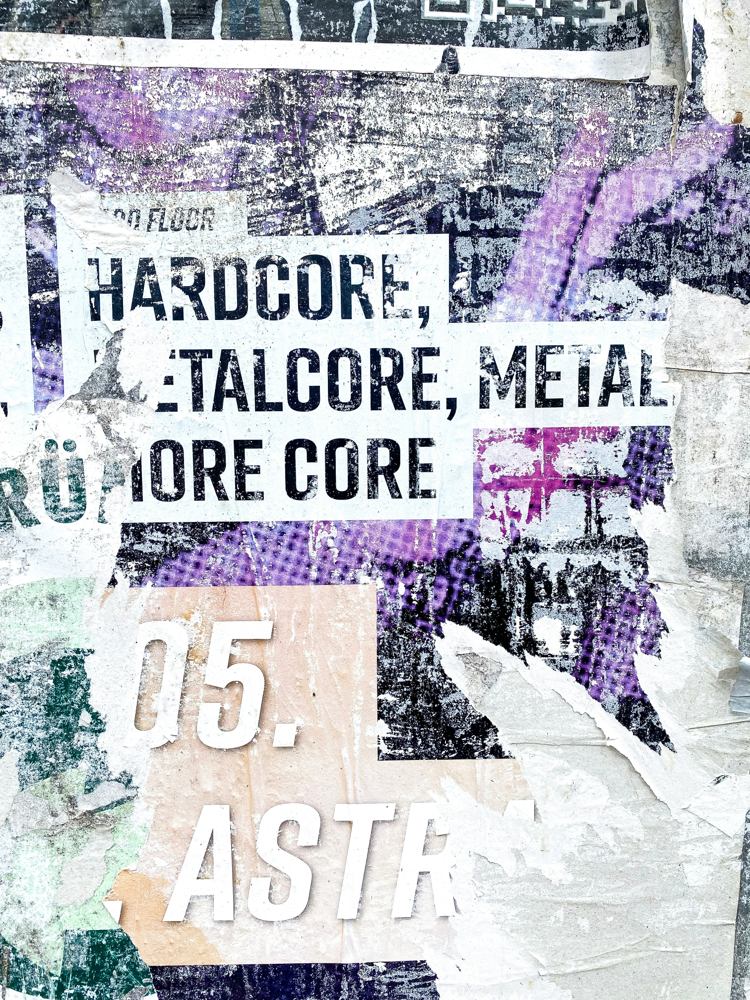
Concert & Festival Posters: Create vibrant, high-energy flyers for music events and festivals. AI can layer bold typography over dynamic imagery (guitars, stage lights, crowds) to attract concertgoers. These designs are perfect for rock shows, electronic festivals or any live performance. /
Instagram & Social Media Flyers: Design eye-catching square posters optimized for Instagram and Facebook. Use bright colors, modern graphics or trending styles (like street art or retro vibes) that stand out in a feed. AI can even suggest layouts that fit social sharing, ensuring your event gets maximum visibility online.
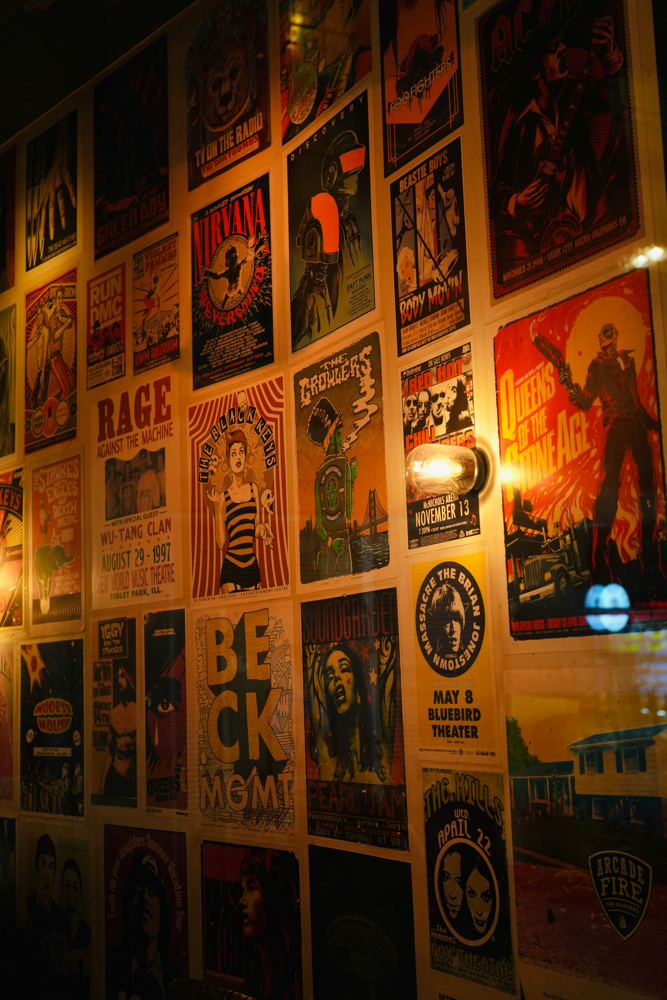
Live Event & Theater Posters: Promote plays, stand-up shows, or community gatherings with professional-grade posters. For example, you might describe a “theater marquee with event details” and the AI will generate a classic marquee-style design like the example above. These images evoke a premium feel and make passersby stop and read. /
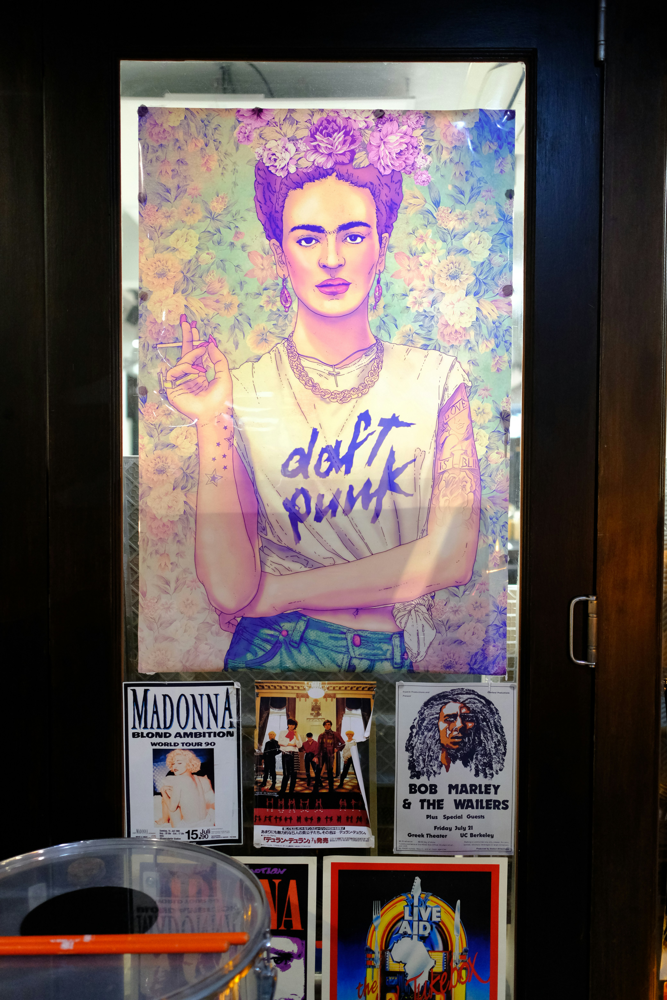
Community & Cultural Posters: Reach local audiences with warm, inviting designs for art fairs, charity events or cultural festivals. AI can combine illustrative artwork (for example, a famous artist portrait or mural style) with clear text, creating posters that appeal to community vibes and artistic tastes. /
Using AI image generators for event promotion also improves your digital marketing performance:
- Faster content production for campaigns
- Consistent branding across platforms
- High-quality visuals that increase engagement
- Optimized designs for social media algorithms
- Scalable poster variations for A/B testing
In today’s content-heavy world, speed and visual quality win.
✅ Use bold, readable typography ✅ Keep the layout clean and uncluttered ✅ Highlight your call-to-action clearly ✅ Use brand colors consistently ✅ Leave enough whitespace for balance ✅ Generate multiple versions for different audiences
Remember: AI gives you the design — strategy makes it powerful.
AI tools like Midjourney and Seedance are transforming:
- Event marketing
- Digital flyer creation
- Social media promotions
- Product launch campaigns
- Online advertising design
They eliminate expensive design costs, reduce turnaround time, and allow non-designers to create professional visuals instantly.
For event organizers, marketers, and product designers worldwide, AI-powered poster creation is no longer optional — it’s a competitive advantage.
If you want to create stunning, professional event posters without spending hours on design software, AI image generation is the smartest solution available today.
With just a well-written prompt, you can:
- Generate eye-catching posters
- Customize branding effortlessly
- Optimize for every platform
- Increase event registrations and engagement
Start using AI for your event poster design today — and turn your ideas into scroll-stopping visuals in seconds.
FAQ
Can AI create professional event posters?
Yes. Tools like Midjourney and Seedance generate high-quality poster designs from text prompts, and you can iterate prompts to refine the output for professional use.
How do I write effective prompts for poster design?
Include clear event details (name, date, CTA), desired style, colors, typography, mood, and output format; be specific and request iterative edits to improve results.
Are AI-generated posters legal to use for events?
Generally yes for promotional use, but check each tool's licensing and terms of service and avoid using copyrighted or trademarked imagery without permission.
What formats should I export for social and print?
Export PNG/JPEG optimized by aspect ratio (1:1 for Instagram posts, 9:16 for Stories) and a high-resolution PDF/TIFF with bleed for print.