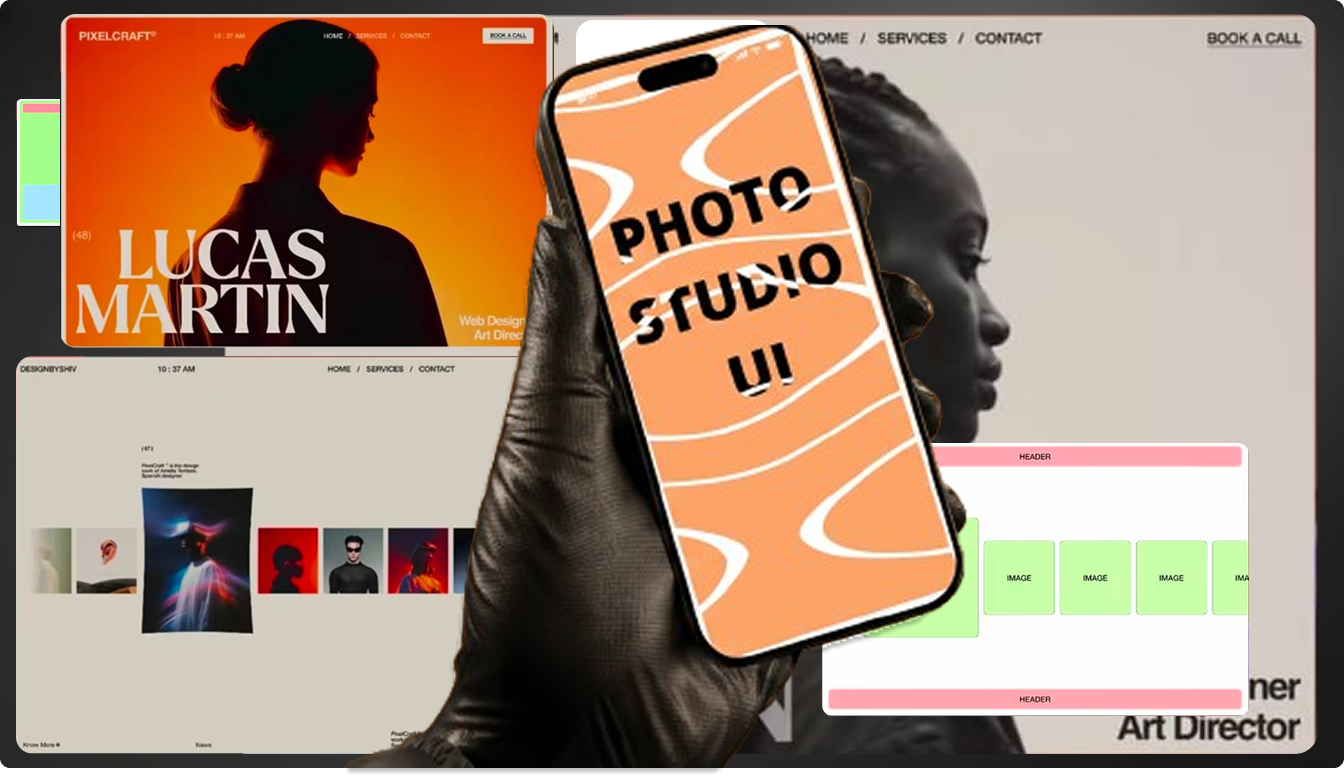
How to Create a Hero Section Wireframe in Minutes Using AI§
_(Photo Studio Prompting Workflow)_
Designing a strong hero section usually requires sketching, layout exploration, and multiple iterations before even reaching Figma. With AI, you can now generate a clean, structured hero section wireframe in minutes—perfect for fast ideation, stakeholder reviews, and design direction.
This guide walks you through a simple 3-step workflow using Definable AI to generate hero section wireframes and then refine them in Figma.
Why Use AI for Hero Section Wireframes?§
Traditional wireframing:
- Sketch layouts manually
- Translate ideas into low-fidelity frames
- Iterate multiple times before alignment
AI-powered wireframing:
- Visualizes layout instantly
- Helps explore multiple hero section structures
- Saves hours during early-stage design
- Keeps focus on layout and hierarchy, not pixels
AI doesn’t replace designers—it accelerates thinking.
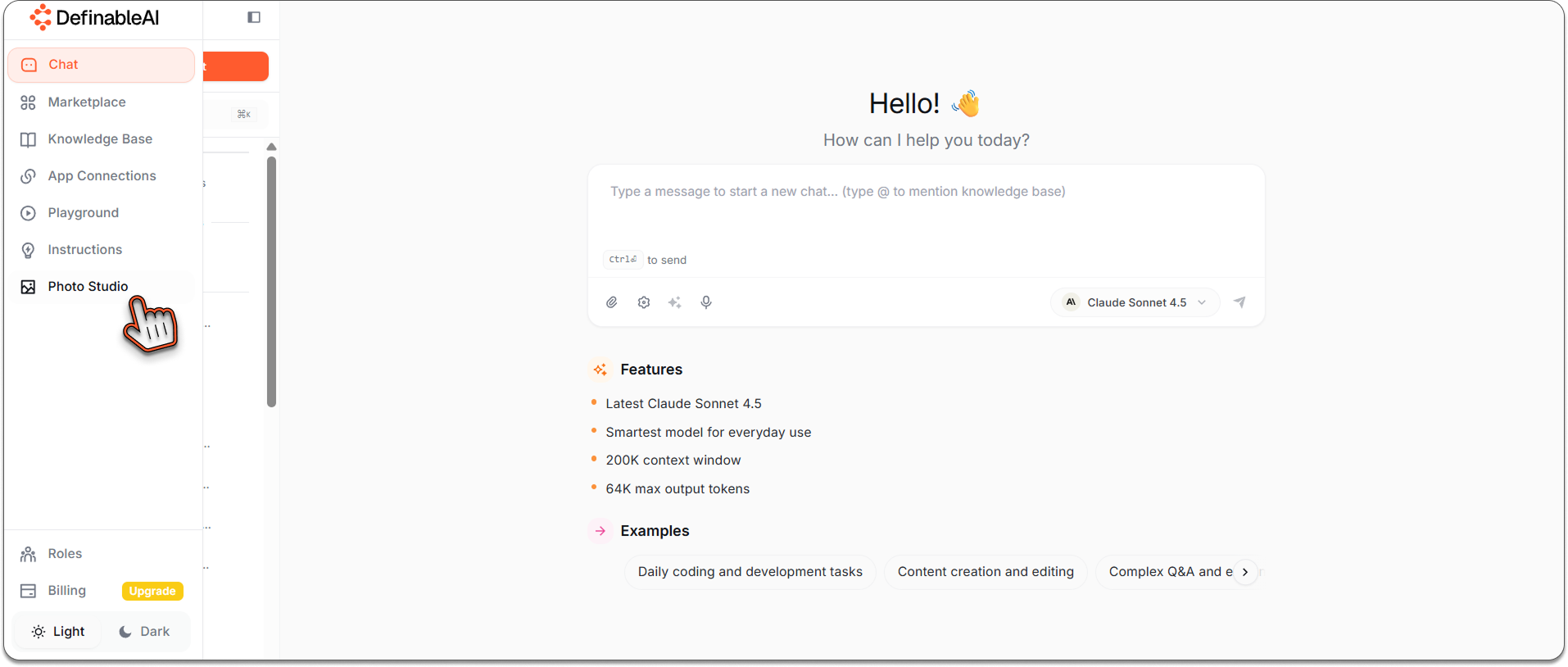
Step 1: Access Photo Studio in Definable AI§
- Log into www.definable.ai
- From the left sidebar, click Photo Studio
- You’re now inside your AI visual generation workspace
Photo Studio is where you’ll generate wireframe-style hero sections using structured prompts.
Step 2: Create the Wireframe Prompt Using Chat§
Before generating the image, craft your prompt clearly using Definable AI Chat.
Why Chat first?
- Helps refine structure and layout
- Improves clarity before image generation
- Reduces trial-and-error in Photo Studio
Example Chat Prompt:§
“Create a low-fidelity hero section wireframe prompt for a SaaS landing page. Focus on layout and hierarchy, not colors or branding.”
Refine until the structure feels right.
Step 3: Paste the Prompt into Photo Studio & Hit Generate§
Once finalized, paste the prompt into Photo Studio and click Generate.
Example Hero Section Wireframe Prompt§
Prompt:
Create a low-fidelity hero section wireframe for a SaaS landing page.
Layout structure:
- Full-width hero section
- Left side:
- Headline placeholder (large text block) - Subheading placeholder (2 lines) - Primary CTA button - Secondary CTA text link
- Right side:
- Product mockup placeholder (simple rectangle)
Design style:
- Black and white wireframe
- No branding, no colors
- Simple boxes and text placeholders
- Clear spacing and visual hierarchy
- Desktop layout (1440px width)
Quality: Clean UX wireframe, layout-focused, product design planning, minimal detail, professional wireframing standard.
In seconds, Photo Studio generates a clear, structured hero section wireframe.
Step 4: Import into Figma for Refinement§
- Download the generated wireframe
- Open Figma
- Create a new file
- Drag and drop the image onto the canvas
Now you have a visual layout reference ready for execution.
Step 5: Refine and Customize in Figma§
This is where designers take control.
What to Do in Figma:§
- Recreate text as editable layers
- Replace placeholders with real copy
- Add grid, spacing, and auto-layout
- Apply brand colors and typography
- Turn CTAs into components
- Adjust responsiveness for different screens
AI gives you the structure. Figma makes it production-ready.
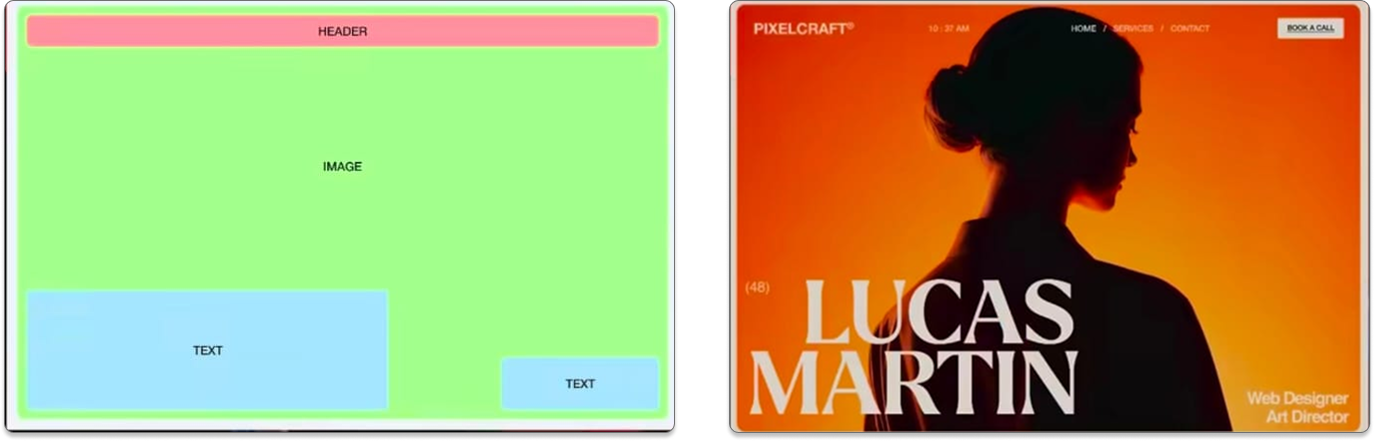
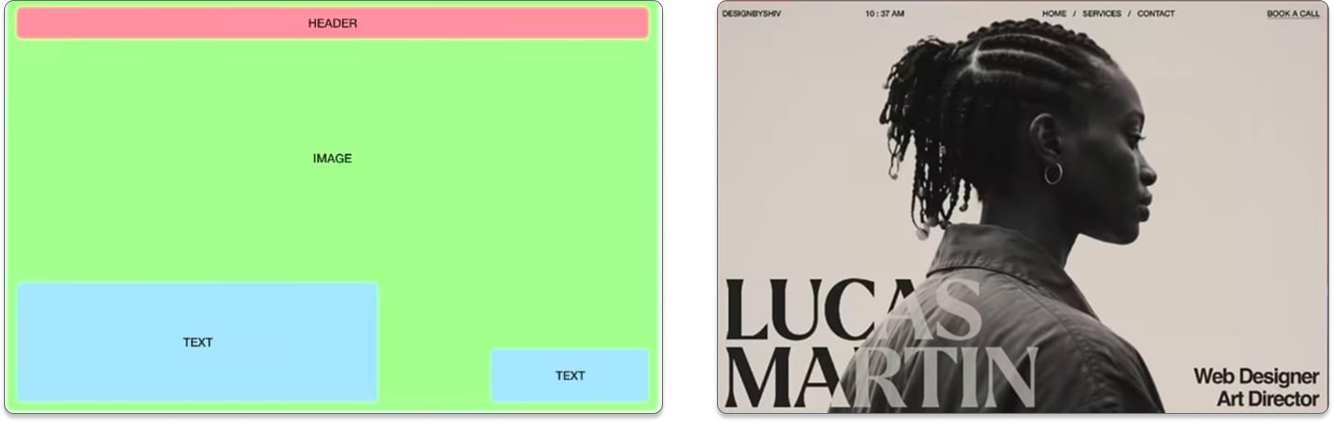
Example Hero Section Wireframe Variations You Can Generate§
Use Photo Studio to explore multiple layouts quickly:
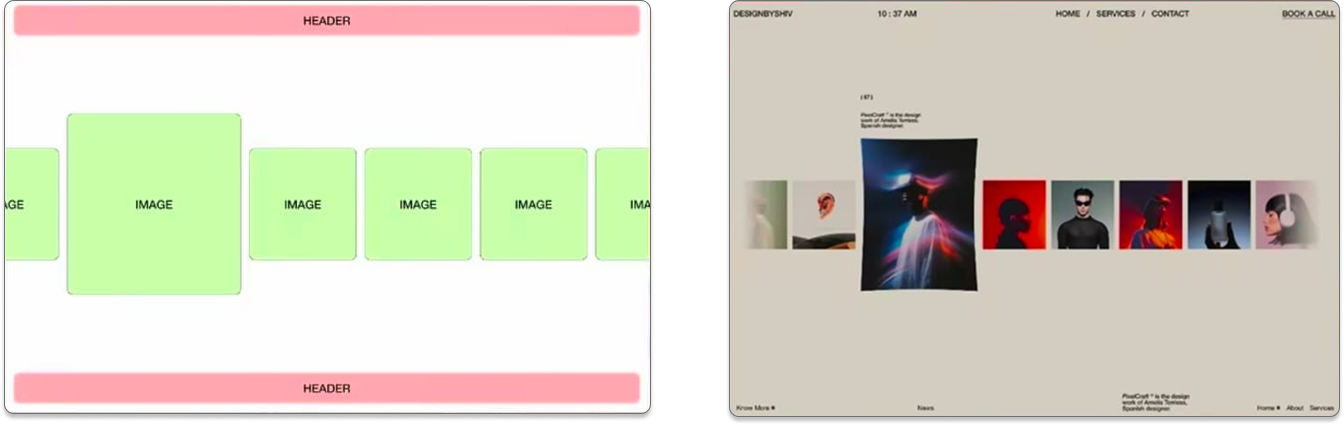
Example 1: Centered Hero§
- Headline centered
- CTA below
- Product image underneath
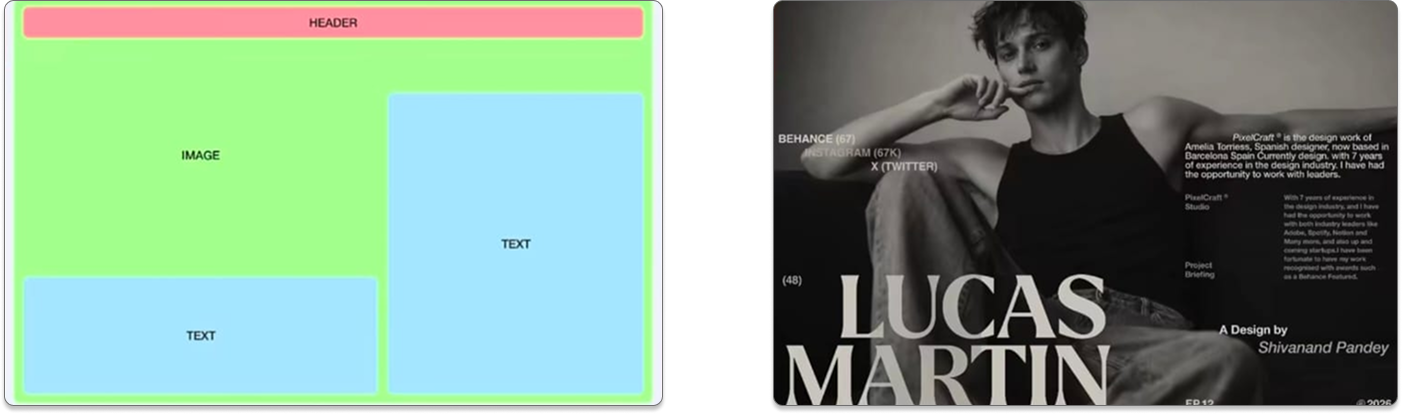
Example 2: Split Layout§
- Copy on left
- Visual on right
- Dual CTA buttons
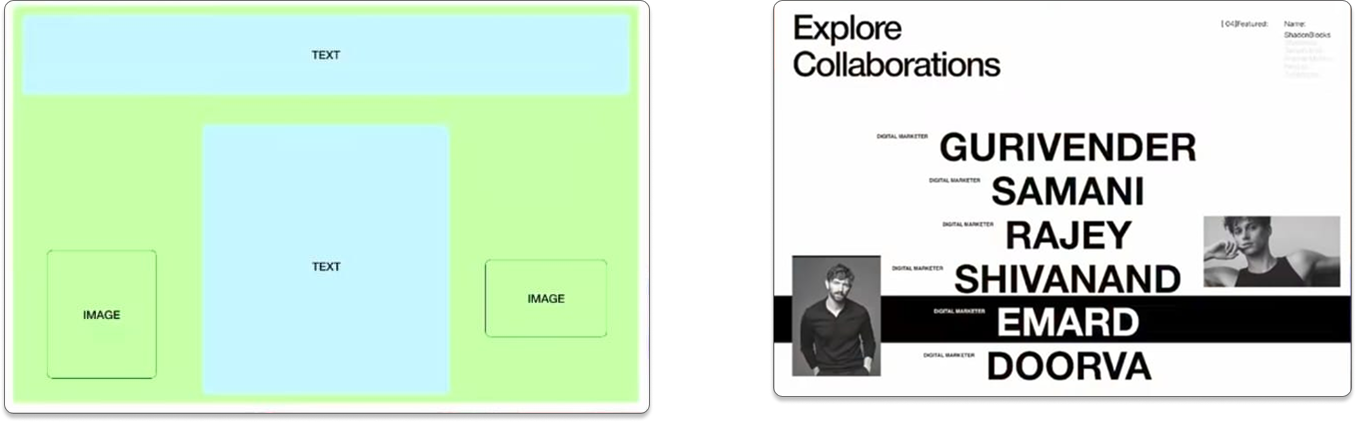
Example 3: Minimal Marketing Hero§
- Large headline
- Single CTA
- No imagery (content-first layout)
Generate 3–5 variations, pick the best, then refine.
Tips for Better Wireframe Prompts§
1\. Stay Low-Fidelity§
Use terms like:
- “wireframe”
- “placeholder text”
- “simple boxes”
- “no colors”
2\. Be Explicit About Layout§
AI performs best when structure is clear:
- Left / Right
- Top / Bottom
- Spacing hierarchy
3\. Generate Before Designing§
Don’t overthink early decisions. Use AI to see options fast, then decide.
Final Thoughts§
Hero sections define first impressions—but they don’t need to take hours to wireframe.
With Definable AI Photo Studio, you can:
- Generate hero section layouts in minutes
- Explore multiple directions instantly
- Move to Figma with clarity and confidence
Wireframing is no longer a bottleneck. It’s a starting point.
Visit www.definable.ai → Open Photo Studio → Generate your first hero wireframe today.
Key takeaways
- Use Definable AI Photo Studio to generate low-fidelity hero wireframes in seconds for faster ideation.
- Craft prompts first in chat to refine layout, hierarchy, and structure before image generation.
- Keep prompts explicit and low-fidelity—focus on placeholders, spacing, and element placement, not visuals.
- Import AI outputs into Figma to create editable layers, apply branding, and make the design production-ready.
FAQ
What is a hero section wireframe?
A hero section wireframe is a low-fidelity layout that defines the headline, subheading, CTAs, and visual hierarchy of a page’s top section without detailed styling.
How can AI help create wireframes?
AI can quickly generate structured, low-fidelity layouts from clear prompts, enabling fast exploration of multiple hero section variations for early-stage ideation.
How do I export AI-generated wireframes to Figma?
Download the generated wireframe image from Photo Studio and drag it into a new Figma file, then recreate editable layers and components for production.
What makes a good wireframe prompt for hero sections?
Be explicit about layout (left/right, centered), fidelity (wireframe, placeholders), key elements (headline, CTAs, mockup), and target width (e.g., 1440px).