The Problem Every Designer Faces Today§
By 2026, design workflows are changing fast. Tools are evolving, expectations are higher, and turnaround time is shorter than ever.
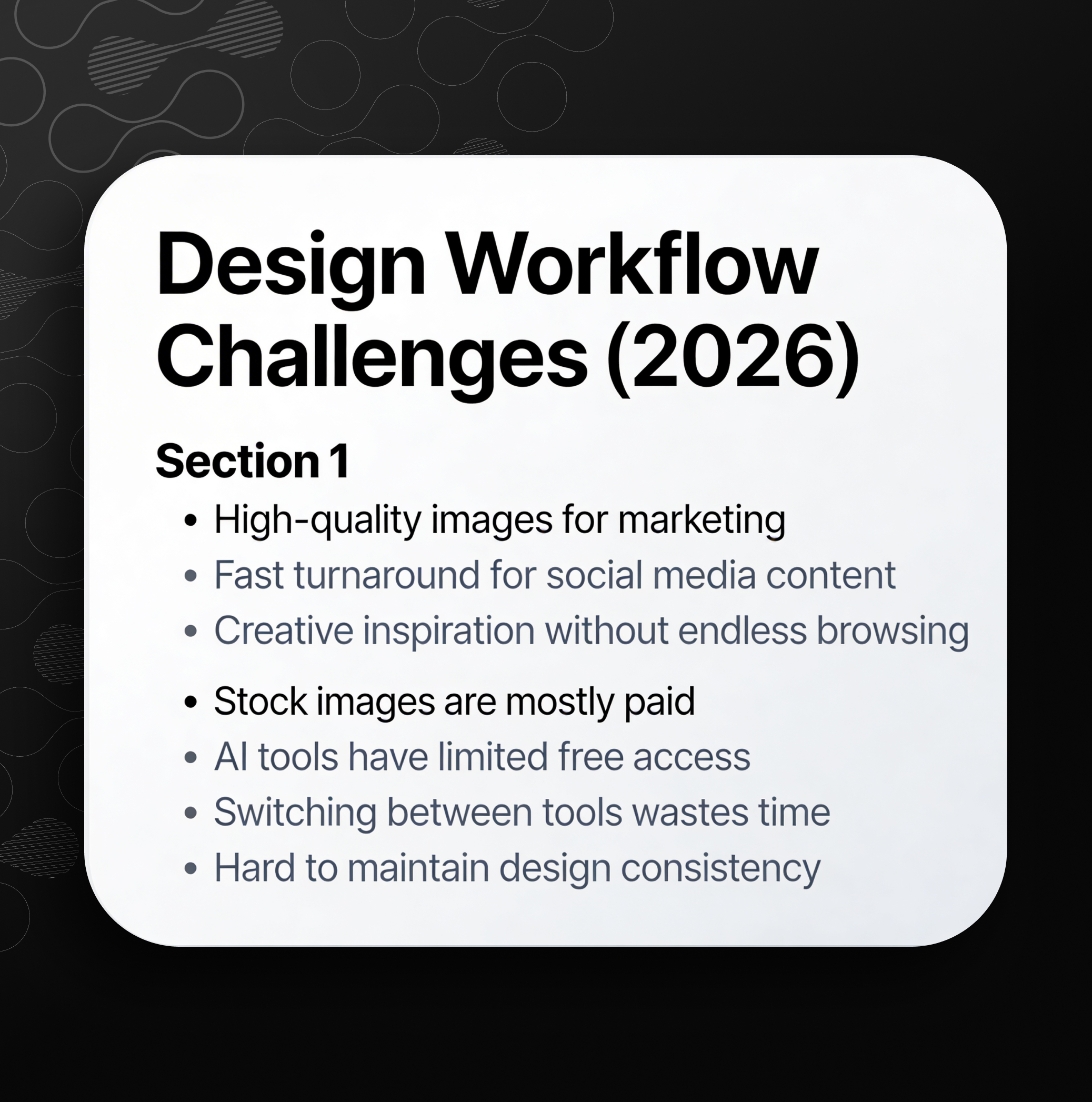
As a designer, I constantly needed:
That’s when I started using Definable AI Photo Studio — and it completely changed how I work.
How I Use Definable AI Photo Studio in My Daily Workflow§
Step 1: Accessing the Platform§
I simply go to: definable.ai → Photo Studio
From there, everything I need for design is already in one place.
My Real Use Case: Designing Marketing Graphics§
As part of marketing, I regularly create:
- Instagram posts and reels thumbnails
- Product feature banners
- AI tool comparison visuals
- Blog cover images
Instead of searching for images online, I now generate them instantly.
Why Definable AI Photo Studio Works Better for Me§
1. High-Quality Image Generation (Free & Fast)§
Earlier:
- I used stock platforms → Paid images
- Used other AI tools → Limited credits
Now:
- I generate unlimited high-quality visuals
- No dependency on external platforms
- Fully customizable outputs
2. Instant Creative Inspiration Through Templates§
One of the biggest advantages is: Built-in templates and styles
When I don’t know what to design:
- I pick a template
- Modify prompt slightly
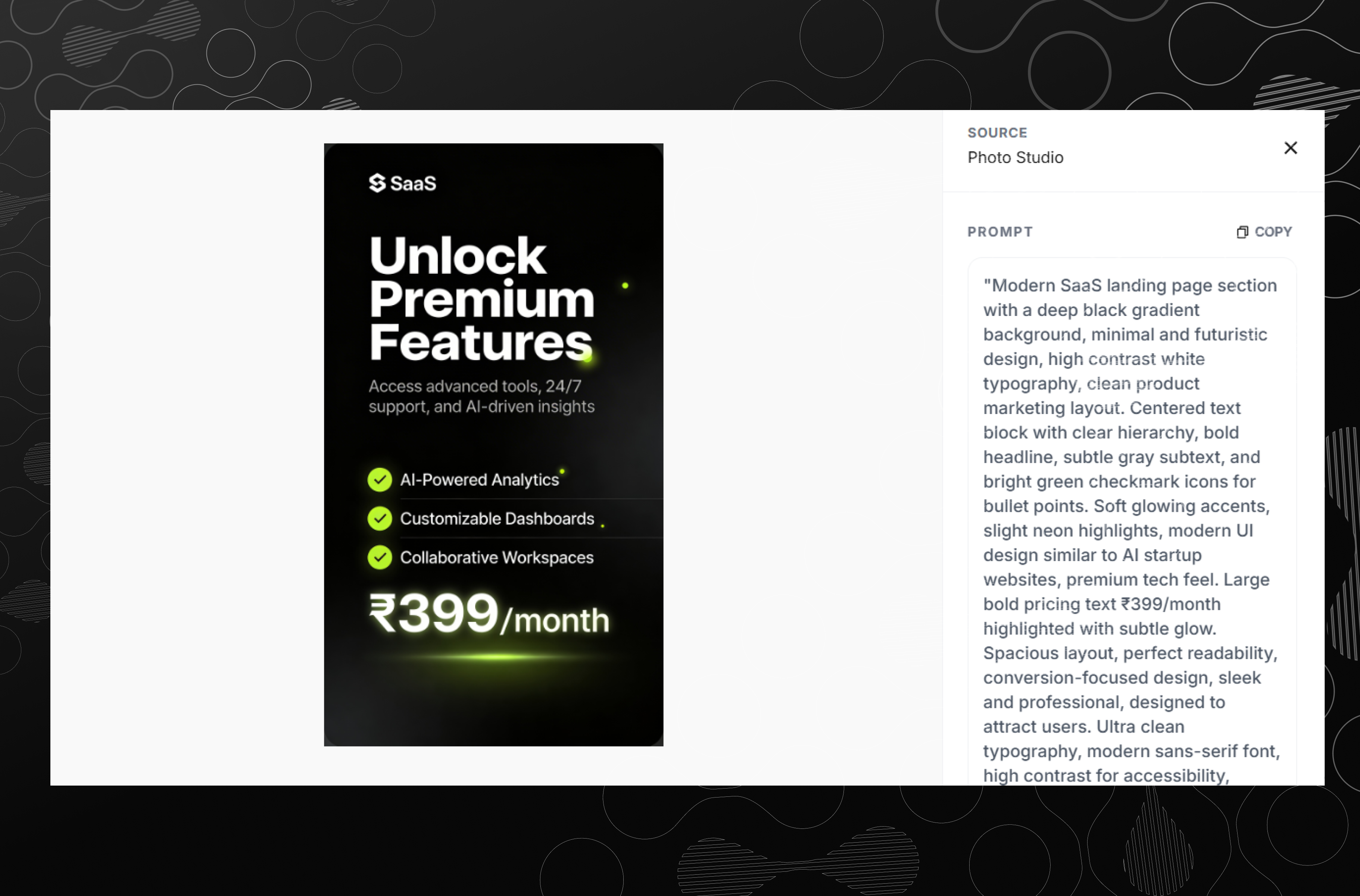
- Get instant results
This saves hours of brainstorming time.
My Image Creation Workflow (Step-by-Step)§
Here’s exactly how I create graphics using Definable AI:
Workflow Pipeline§
Idea → Prompt Creation → Template Selection → Image Generation → Refinement → Final DesignPrompt Architecture I Use (Very Important)§
To get high-quality results, I follow a structured prompt system:
[Subject] + [Style] + [Lighting] + [Background] + [Mood] + [Quality Details]Example Prompt:§
A modern workspace with a laptop showing AI interface, minimal design, soft lighting,
 clean background, professional mood, ultra realistic, high resolution, 4k
Visual Workflow Architecture§
Problem (Need Graphics)
        ↓
Define Use Case (Marketing / Social Media)
        ↓
Write Structured Prompt
        ↓
Choose Template / Style
        ↓
Generate Image (Definable AI Photo Studio)
        ↓
Edit / Refine Output
        ↓
Publish (Instagram / LinkedIn / Blog)
Real Impact on My Productivity§
Using Definable AI Photo Studio has helped me:
- Save hours of manual design work
- Reduce dependency on paid tools
- Generate ideas faster
- Deliver content consistently
- Improve overall design quality
Most importantly: I can now focus more on creativity and strategy, instead of wasting time on repetitive design tasks.
Comparing My Old vs New Workflow§
Before Definable AI:§
- Multiple tools
- Paid assets
- Time-consuming process
- Limited experimentation
After Definable AI:§
- One platform
- Fast generation
- Unlimited creativity
- Better results in less time
How I Use Figma MCP with Definable AI§
Step 1: Access Figma MCP via Marketplace§
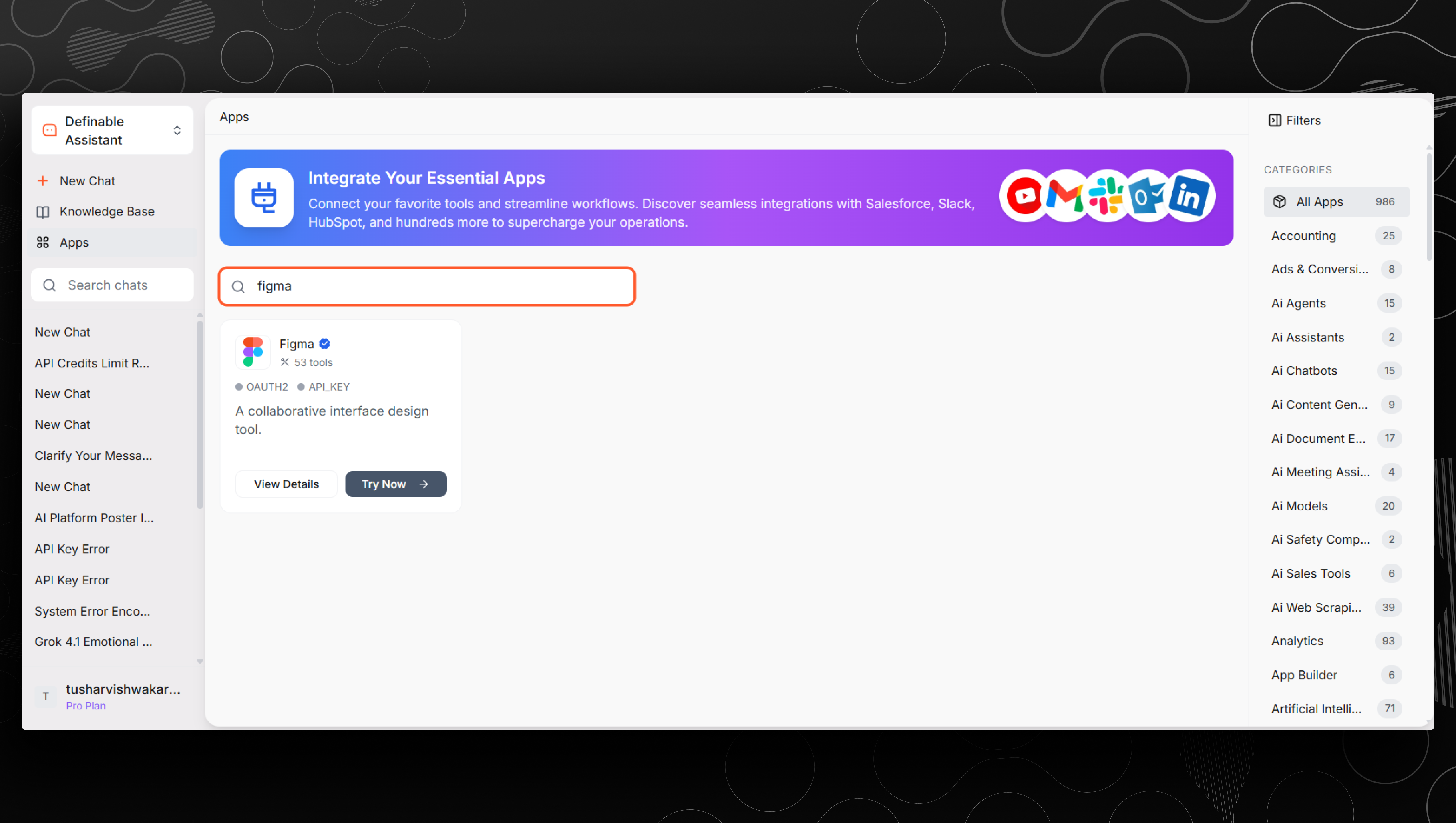
Go to the Definable AI platform and open the MCP (Model Context Protocol) section. From the marketplace, select and connect the Figma MCP plugin to your workflow.
Step 2: Generate Design in Photo Studio§
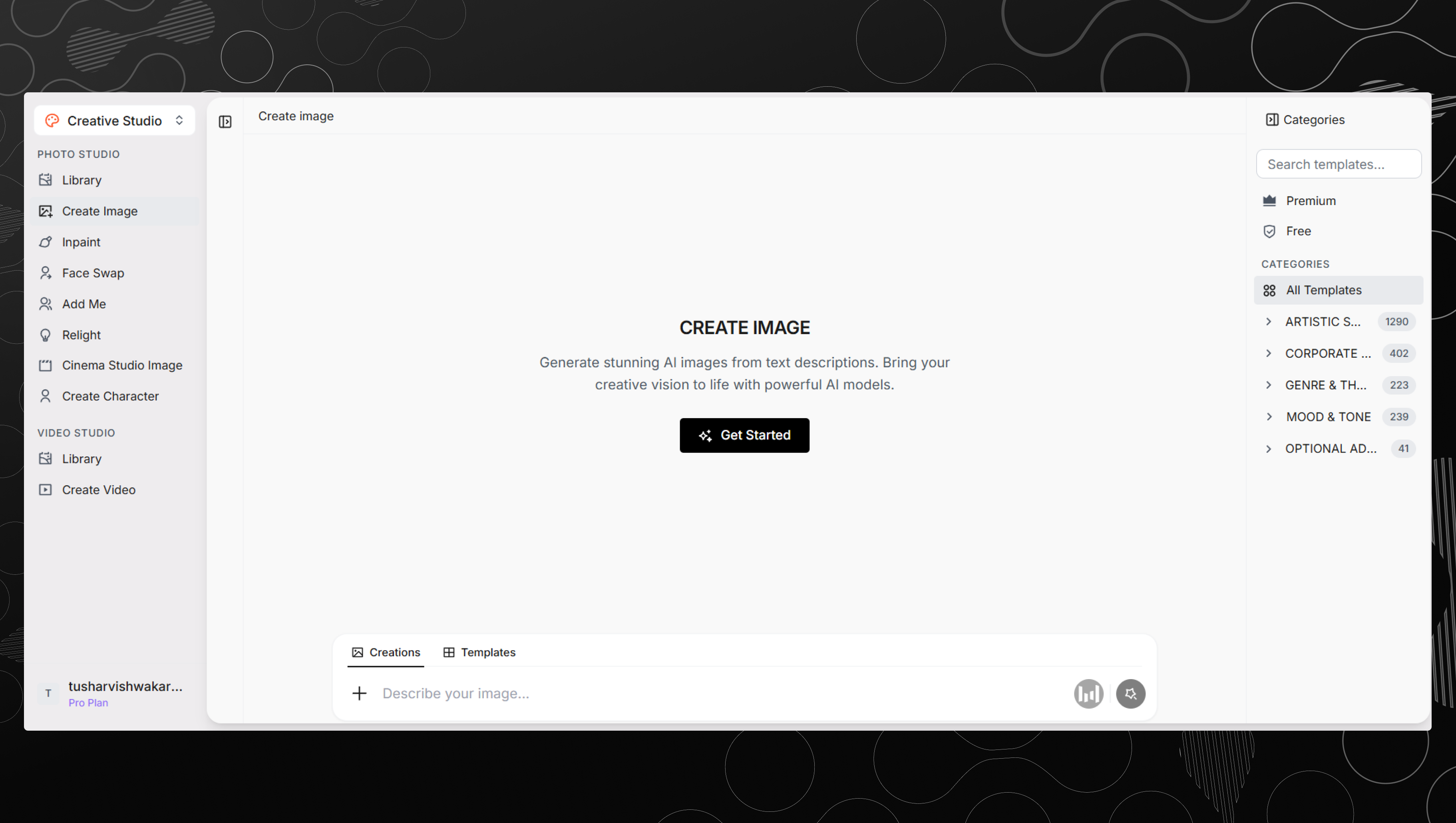
Navigate to Photo Studio and enter your prompt based on your design needs. Customize style, layout, and visuals using templates or structured prompts to generate high-quality graphics.
Step 3: Export Design Directly to Figma§
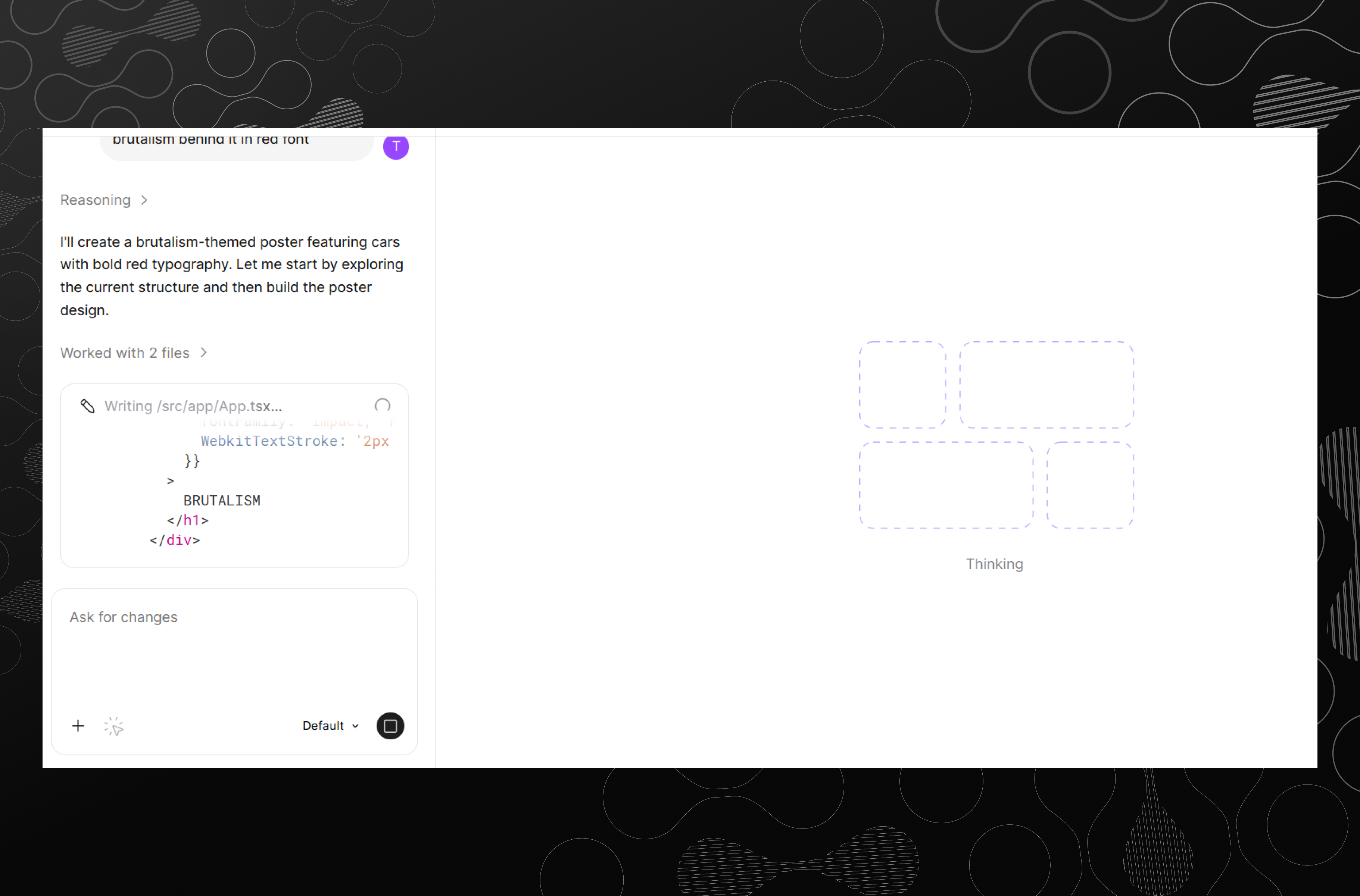
Once your design is ready, use the MCP integration to export it directly into Figma.
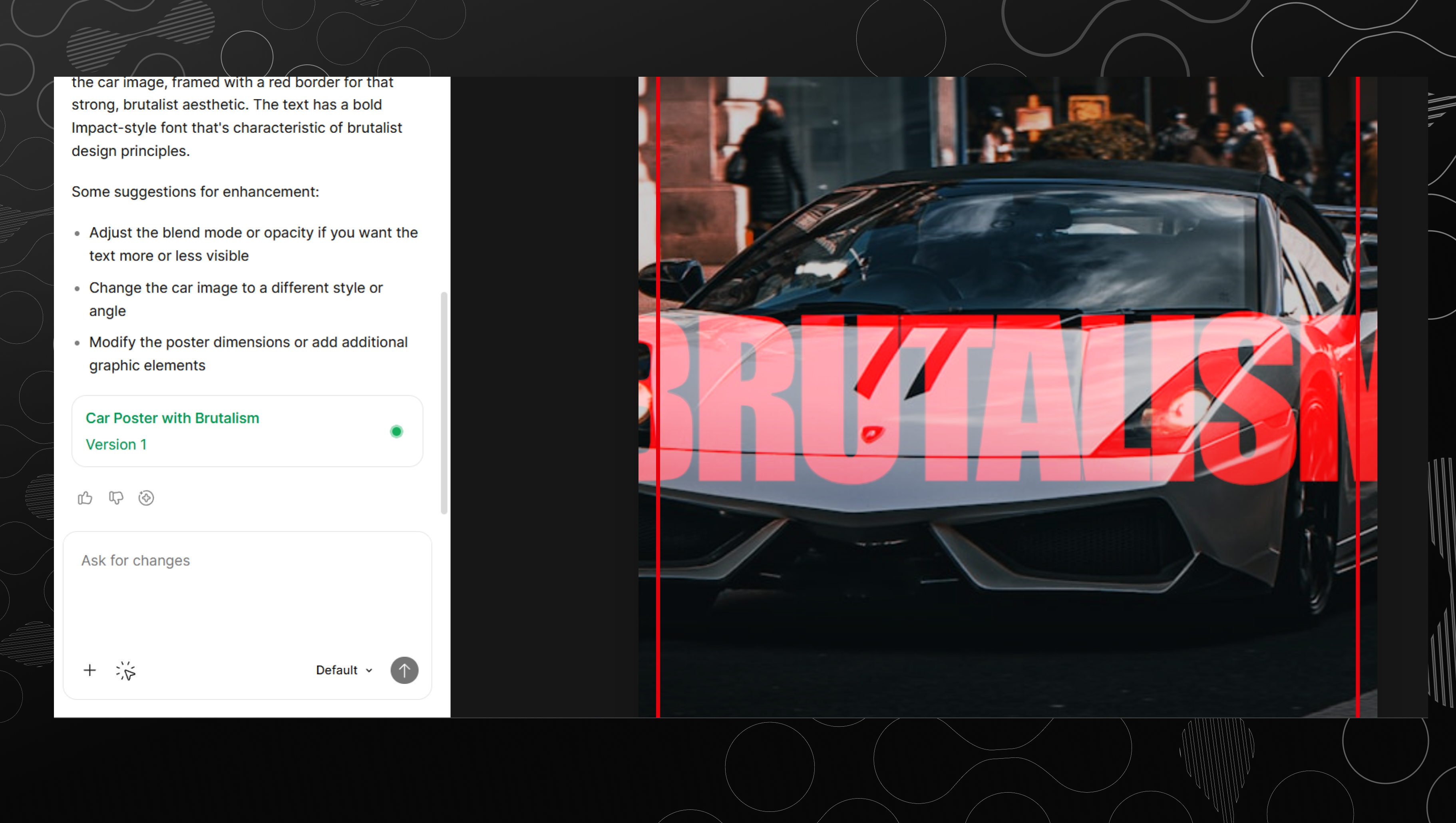
Your generated design appears inside your Figma file, where you can refine layouts, add text, and finalize the design.
Final Thoughts§
As a designer, the biggest shift is not just about using AI — it’s about using the right AI tool that fits your workflow.
For me, Definable AI Photo Studio is not just an image generator — it’s a complete design assistant.
If you're working in:
- Marketing
- Content creation
- Social media
- Graphic design
Then integrating AI like this into your workflow is no longer optional — it’s a competitive advantage.
Call to Action§
If you’re still:
- Searching images manually
- Paying for stock photos
- Switching between tools
Then it’s time to upgrade your workflow.
Start creating smarter. Start designing faster. Use Definable AI Photo Studio.
Key takeaways
- Definable AI Photo Studio centralizes image generation, saving time and reducing dependency on paid stock assets.
- Built-in templates and a structured prompt architecture speed up ideation and produce consistent, high-quality results.
- MCP Figma integration lets you export generated designs directly into Figma for quick refinement and publishing.
- Using the tool frees designers to focus more on creativity and strategy rather than repetitive production tasks.
FAQ
What is Definable AI Photo Studio?
Definable AI Photo Studio is an image-generation tool that creates high-quality visuals using structured prompts, templates, and customization for marketing and design workflows.
How do I export generated images to Figma?
Use the MCP (Model Context Protocol) Figma plugin in the Definable marketplace to export generated assets directly into your Figma file for further refinement.
Does Definable AI Photo Studio require credits or payment?
Pricing and limits depend on your plan; the author reports unlimited high-quality generation on their setup, but you should review Definable's current pricing and plan details.
How do I write prompts for the best results?
Use a structured prompt: [Subject] + [Style] + [Lighting] + [Background] + [Mood] + [Quality Details], and start from a template to iterate quickly.
Can I use generated images commercially?
Usage rights vary by provider and plan; check Definable's licensing terms to confirm commercial use and attribution requirements.